
Download your site
Download your site's pages, pictures and styles as plain web files in one zip, to keep a copy or to put your site on any web host.
Your site is yours. Download it as plain web files in one zip to keep a copy, open it on your computer or put it on any web host. Downloading changes nothing: your site stays on Payly exactly as it is.
Before you start
- Only the site's owner can download it. The download is on the Advanced tab, which only the owner sees.
- Stores, websites, restaurants and creator pages can be downloaded. Payment and donation forms, event tickets, tip jars, booking pages and payment links cannot.
Download your site
- In your site dashboard, go to Settings > Advanced.
- Under Download your site, click Download.
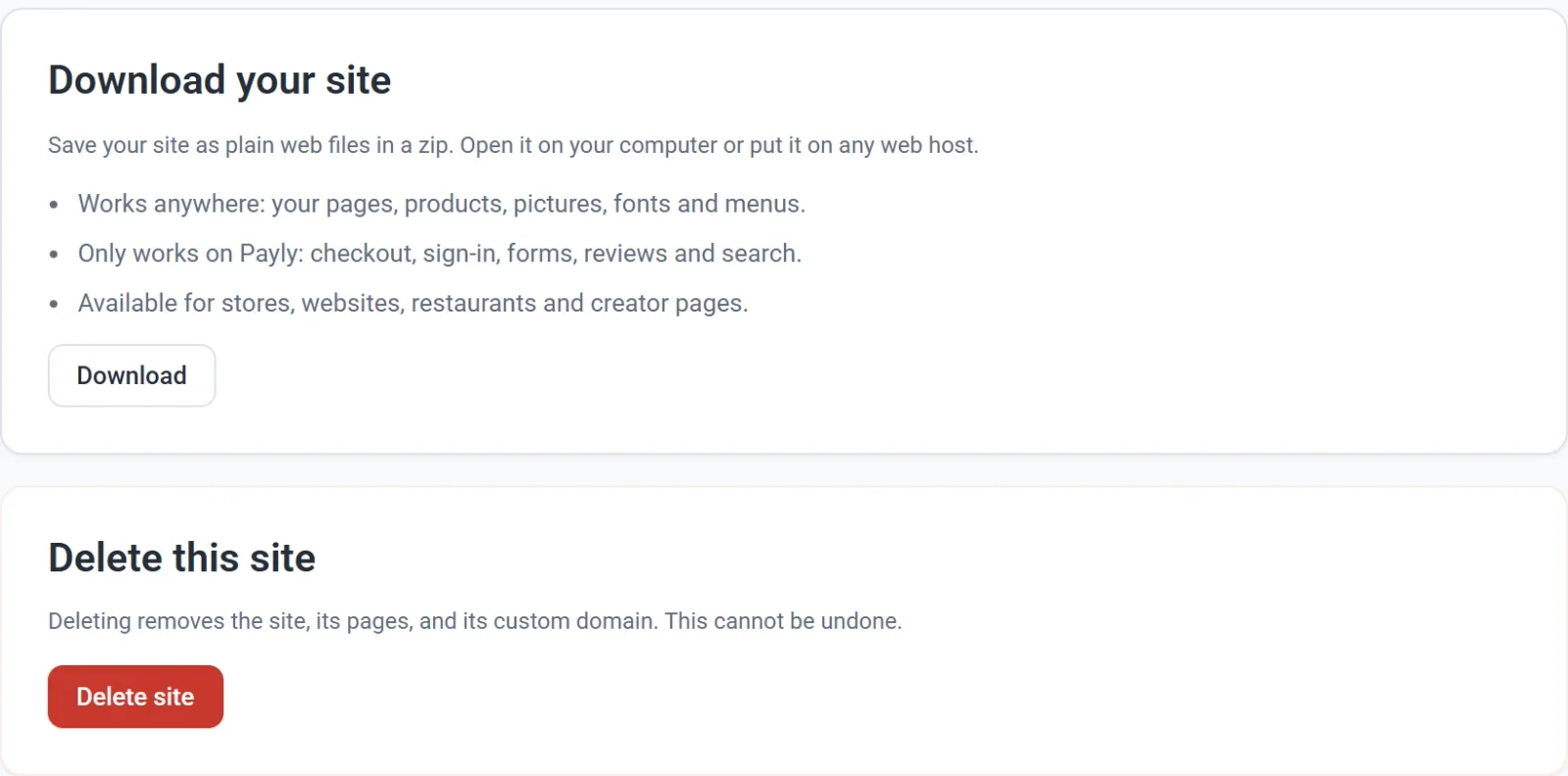
- Keep the page open while it works. Beside the button you see Getting your pages… first, then Adding pictures: 8 of 24, and Making your zip… last.
- Wait for Your site is downloaded. By then your browser has saved the zip, usually in your Downloads folder. It is named after your site, such as
juniper-pine.zip, orsite.zipif the name has no letters A to Z or numbers.
What is in the zip
Your site as it is saved now, including changes you have not published yet:
index.html: your home page.- A folder for each of your other pages, with the page inside as
index.html. For example, your About page isabout/index.html. - A page for each product and each category in your shop. A restaurant's dishes have no pages of their own: they are on its menu.
- Your pictures and fonts. Your styles are inside each page, so there are no style files.
- An empty file named
.nojekyll. GitHub Pages needs it to show your pictures and fonts, so leave it in.
Tip: Moving your products to another store platform? Export them as a spreadsheet: see Export your products.
Open it on your computer
- Unzip the file. On Windows, right-click it and choose Extract All. On a Mac, double-click it.
- Open the new folder and double-click
index.html. Your home page opens in your web browser, and its menu takes you to your other pages.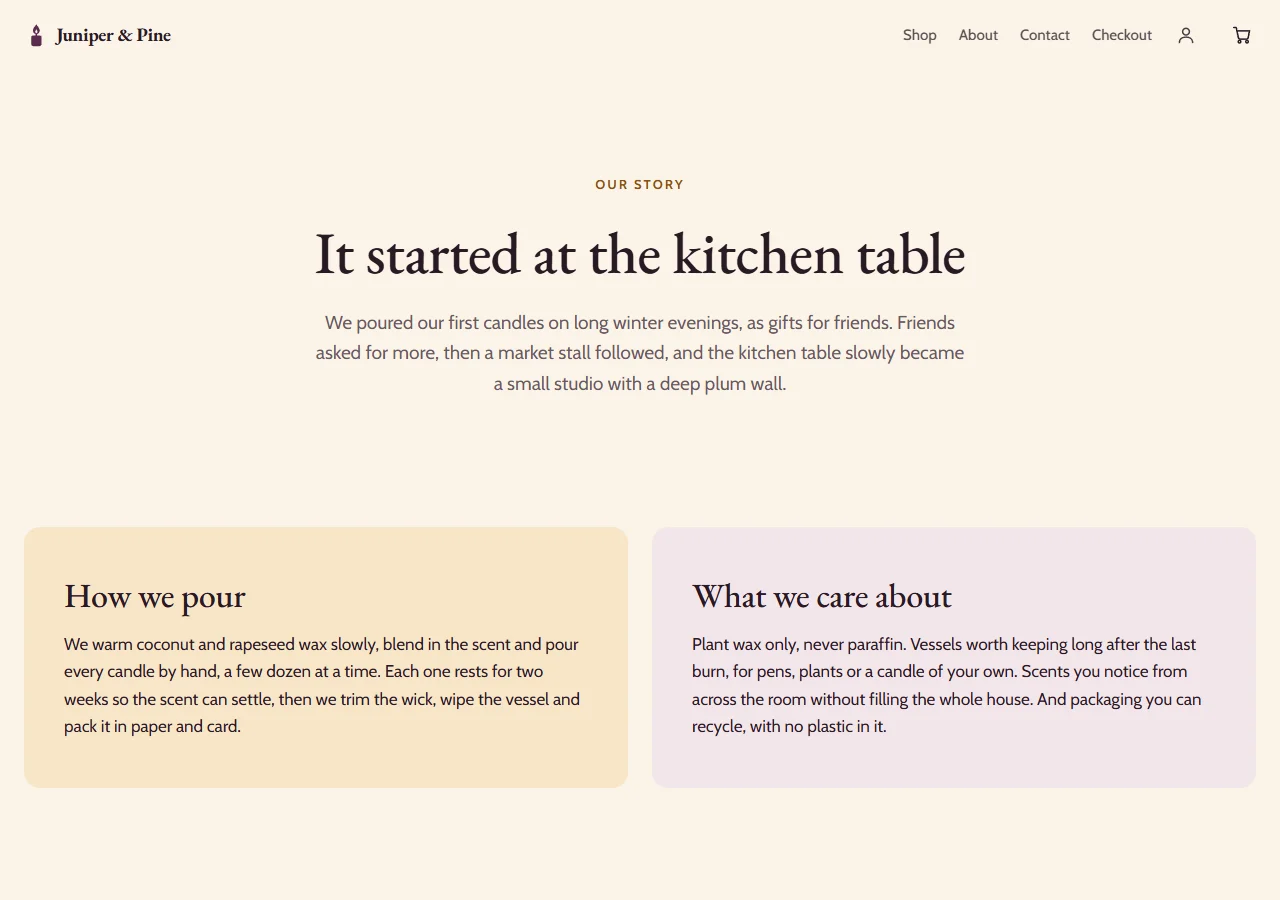
Put it on another web host
The files work on any web host, at any address.
- Unzip the file.
- Upload everything inside the folder to your web host as it is. Keep every folder, every file name and the
.nojekyllfile. - Open your site's new address. The
index.htmlat the top is your home page.
What only works on Payly
These parts need Payly behind them, so they do not work on another host or on your computer:
- Checkout, so nobody can pay you.
- Signing in and customer accounts.
- Forms, such as a contact form or an email sign-up.
- Reviews and search.
- Your visitor numbers in Payly.
A booking page or payment form shown on a page with its block still works, because it stays on Payly.
The zip leaves out members-only pages (on a web host anyone could open them), a creator page's posts, the search results page and the sign-in pages.
If something goes wrong
- 3 pictures could not be added to the zip. Your zip is saved without them. Click Download again to try once more.
- Your site could not be downloaded. Please try again. No zip was saved. Check your internet connection, then click Download again.