
Add your own CSS
Fine-tune your store's look with CSS, in the editor's Site design tab.
- In the editor, click Site design.
- Open Custom CSS and type your CSS in Your CSS.
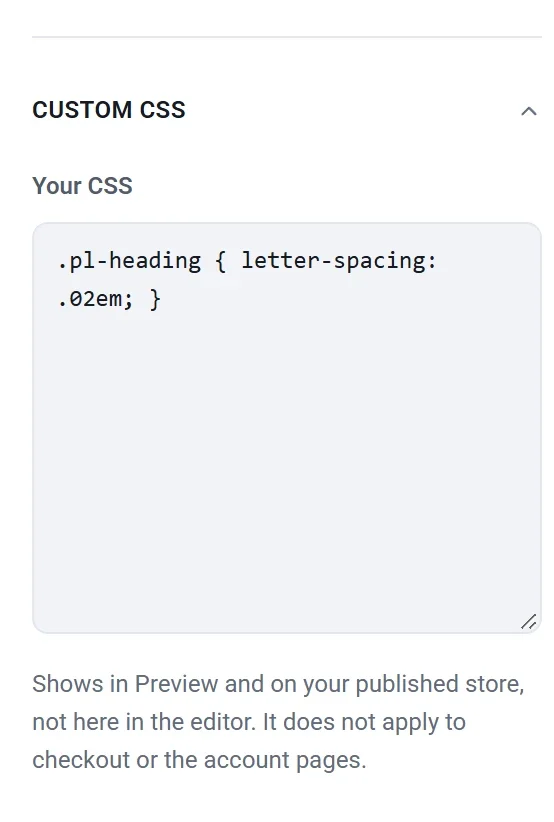
- Click Preview to see it. Your CSS shows in Preview and on your published store, not in the editor itself.
- Publish to put it on your store.
Good to know:
- It doesn't apply to checkout or the account pages.
- Links to other websites (like @import, or url() to another site) are removed, so your pages never load files from a stranger's server. Pictures you uploaded to Payly (addresses starting with /_media/) work.
- It stays when you change your site's design.
- Payly's own page structure can change in an update. If a rule stops working, check it in Preview.