
Verify your store with Google, Bing, Pinterest and Meta
Prove the store is yours so you can use Google Search Console, Bing Webmaster Tools, Pinterest and Meta's business tools.
These services ask you to add a tag to your site. With Payly you paste it instead.
- In the service, choose the HTML tag (or meta tag) way to verify, and copy the tag.
- In your site dashboard, click Integrations.
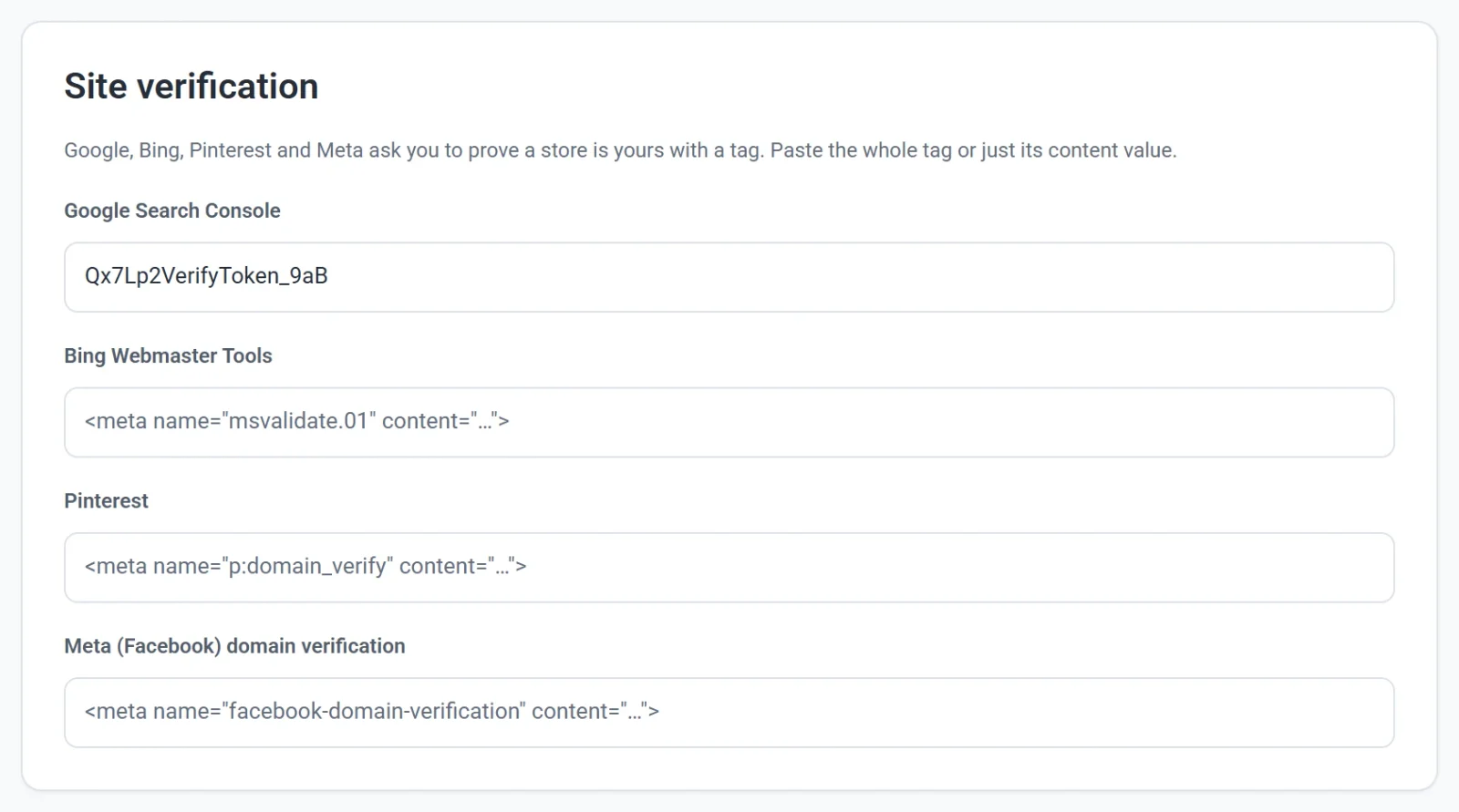
- Under Site verification, paste the tag into the box for that service. The whole tag or just its content value both work.
- Click Publish now, then go back to the service and click Verify.