
Export your products
Download your products as a Shopify or WooCommerce file, to keep a copy or move them somewhere else.
You can download your whole catalog, or just some products, as a CSV file whenever you like.
Export your products
- In your site dashboard, click Products, then Export.
- Choose a format:
- Shopify CSV: the most common format. Shopify and many other platforms import it, and it opens in any spreadsheet app.
- WooCommerce CSV: for WordPress stores. Import it in WooCommerce under Products, then Import.
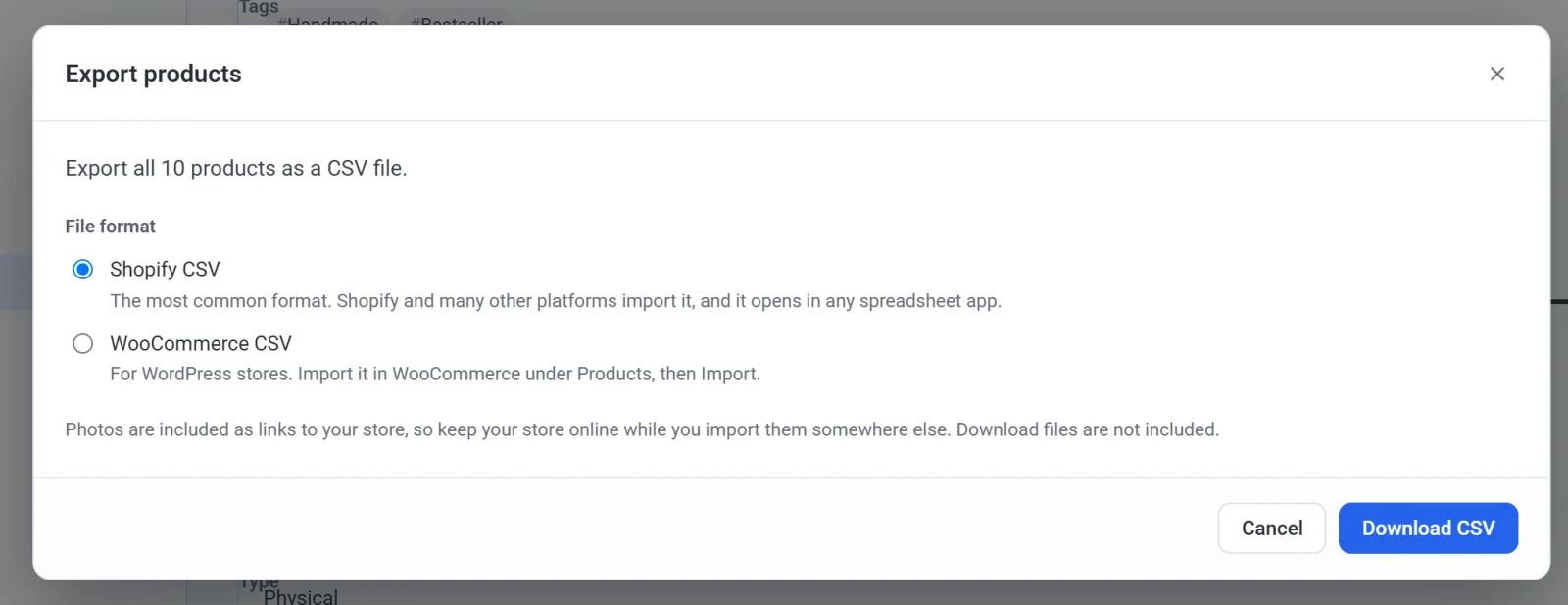
- Click Download CSV.
To export only some products, tick them in the list, then choose Export from the bulk actions.
Good to know
- The file name says your store's currency, like USD. Neither file format has a currency column: the store you import into reads the prices in its own currency.
- Photos are included as links to your store, so keep your store online while you import them somewhere else.
- Download files are not included: they are private to your buyers.
- Shopify's format has one category per product and no SKU of its own for a product with options.