
Connect Stripe
Connect your own Stripe account so customers can pay by card at your checkout, and the money goes straight to you.
Stripe is one of the two ways your store can take payments. When you connect your own Stripe account, customers can pay by card at your checkout, and Payly sends the money straight to your Stripe account. Payly never holds your money and never sees your Stripe password.
Before you start
- You need a Stripe account. If you do not have one yet, you can create it when Stripe asks you to sign in.
- Payly is free and adds no fees to your sales. Stripe charges you its own standard fees for each payment. You can see them on Stripe's pricing page.
- Decide whether you are connecting your live account or a test account. Step 2 below shows how, and Take test payments with test mode explains test accounts.
Connect your Stripe account
- In your site dashboard, click Settings, then click the Payments tab.
- Look at the Test mode switch at the top. Leave it off to connect your live Stripe account, so you can take real payments. Turn it on to connect a test connection instead.
- On the Stripe card, click Connect Stripe.
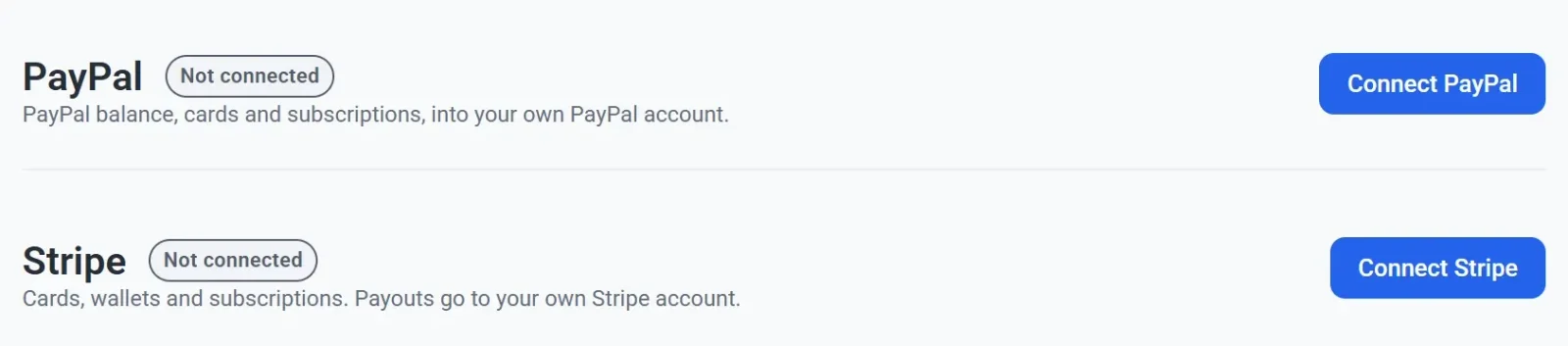
- Sign in to your Stripe account, or create one, when Stripe's page opens. Your browser leaves Payly for a moment.
- Approve the connection when Stripe asks you to.
- Wait for Stripe to send you back to Payly. The Payments tab opens again.
- Check the Stripe card. It now shows Connected, the name of your Stripe account, and your Stripe account ID in smaller type. If the account has no name, Payly shows its email address instead.

The card in the picture carries a Test label because test mode was on when the account was connected. A live connection has no such label.
What you can do next
- Try your checkout with a test order. See Take test payments with test mode.
- Learn how your customers pay, in How checkout works.
- Find out when the money reaches your bank, in When and how you get paid.
To take live payments, Stripe may ask you for business and bank details before it activates your account. Stripe tells you in its own dashboard if it needs anything, and Payly does not show the status of your Stripe account.
If the connection does not finish
- You closed Stripe's page or clicked cancel. Nothing changes. The card still says Not connected, and you can click Connect Stripe again.
- You see a message that the link is invalid or has expired. The connection link works for 30 minutes, and you took longer at Stripe. Go back to Settings > Payments and start again.
- You connected the wrong account. See Disconnect or change a payment account.