
When and how you get paid
See how customer payments reach your own Stripe or PayPal account, who charges fees, and where refunds and disputes are handled.
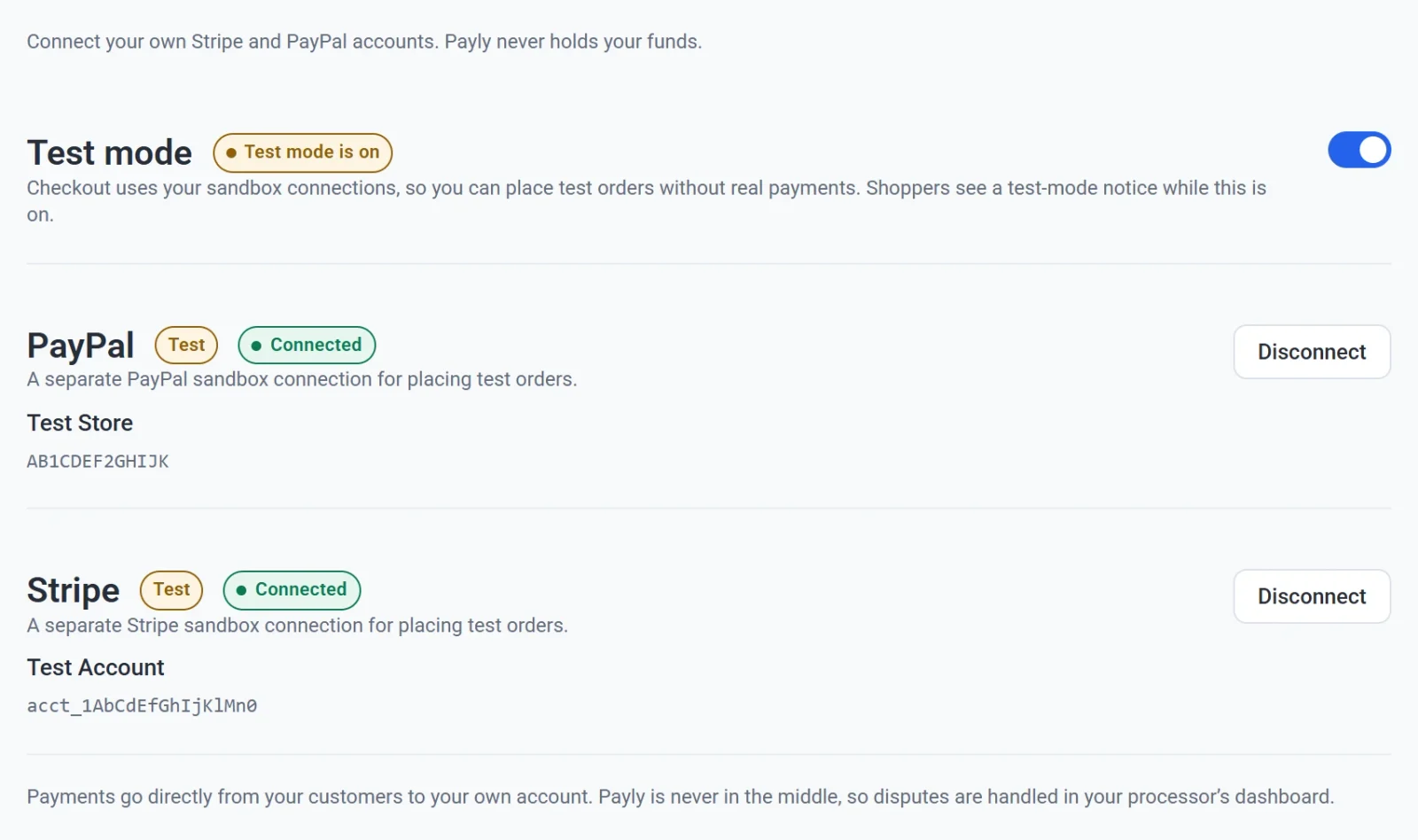
Payly never touches your money. When a customer pays, the payment goes to your own Stripe or PayPal account, and you move it to your bank from there. This article explains each step, and where to look when something needs attention.
How the money moves
- A customer pays at your checkout with a card (through Stripe) or with PayPal.
- Stripe or PayPal takes its own fee from the payment.
- The rest arrives in the balance of your Stripe or PayPal account.
- You are paid out from that balance to your bank account, on the schedule of that processor.
Payly is not part of this chain. It records the order in your dashboard, but the money never passes through it, and Payly does not take a share of your sales.
Fees
Payly is free. It has no monthly fee, no transaction fee and no commission. The only fees on a sale are the ones Stripe or PayPal charges you for processing the payment. You can see them on Stripe's pricing page and PayPal's fees page. See also What does Payly cost?
Your sales reports in Payly show what customers paid, as order totals. They do not subtract processor fees and they do not show payouts. For those figures, use your Stripe or PayPal account.
When you get paid
The timing belongs to Stripe and PayPal, not to Payly, and Payly cannot speed it up or slow it down.
- Stripe. Stripe pays your balance out to the bank account you added to Stripe. You choose and change the payout schedule in your Stripe dashboard, and a new Stripe account may wait longer for its first payout. Stripe explains the details in its payouts guide.
- PayPal. Payments arrive in your PayPal balance. You can leave the money there to spend, or transfer it to your bank account from your PayPal account.
If you sell in a currency that differs from the one your Stripe or PayPal account holds, the processor may convert the money and may charge a conversion fee. See Set your store currency.
Payments made in test mode are practice payments. They never move real money, and they never reach your bank.
Subscriptions
Stripe and PayPal charge subscription renewals automatically, and the money arrives in the same way as any other payment. Each renewal appears in your Payly dashboard as an order.
Refunds
You can refund an order from Payly. Open the order in Orders and click Refund. The refund is sent through Stripe or PayPal, comes out of your account, and returns to the customer's original payment method. See Refund an order.
The order also has links that open the payment in your Stripe or PayPal account, if you prefer to see it there.
Disputes
A dispute, also called a chargeback, happens when a customer asks their bank to reverse a payment. Stripe and PayPal handle disputes in their own dashboards, because that is where the evidence goes to the bank.
- When a customer disputes a payment, Payly marks the order Disputed and emails you.
- The email has a link that takes you to the dispute in your Stripe dashboard, or to the Resolution Center in your PayPal account. Answer it there before the date shown.
- When the dispute is decided, Payly emails you the result.