
Move from Etsy
Download your Etsy listings as a file and import them into Payly.
Etsy does not let other platforms read your shop by its address, so the file Etsy gives you is the way in.
Export your listings from Etsy
- In Etsy, go to Shop Manager, then Settings, Options, and the Download Data tab.
- Under Currently for sale listings, click Download CSV.
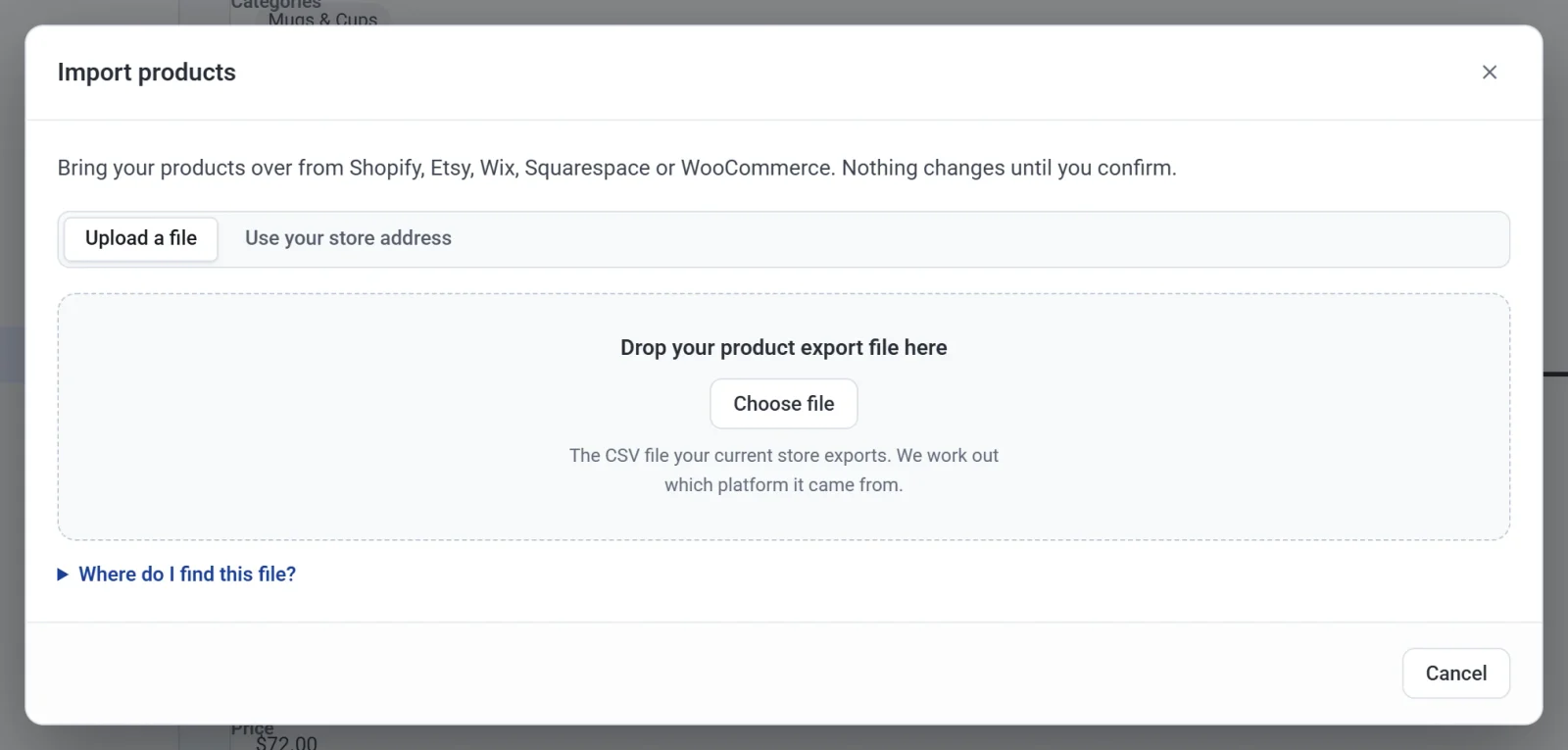
- In Payly, click Products, Import, and drop the file on the box. See Import products from another store.
Good to know
- Etsy only exports listings that are for sale right now. Drafts, sold-out and expired listings are not in the file.
- Etsy does not export a price or stock count for each variation, so every option of a product gets the listing's price. Set any different prices after importing.
- Etsy does not say which listings are digital, so everything comes in as a physical product. Change the product type for your downloads, and upload their files.
- Your tags come over, and your materials are added to the end of each description.