
Move from Shopify
Download your products from Shopify, or just type your store's address, and import them into Payly.
Shopify stores can come over two ways: by the store's address, or from the product file Shopify exports.
The quickest way: your store's address
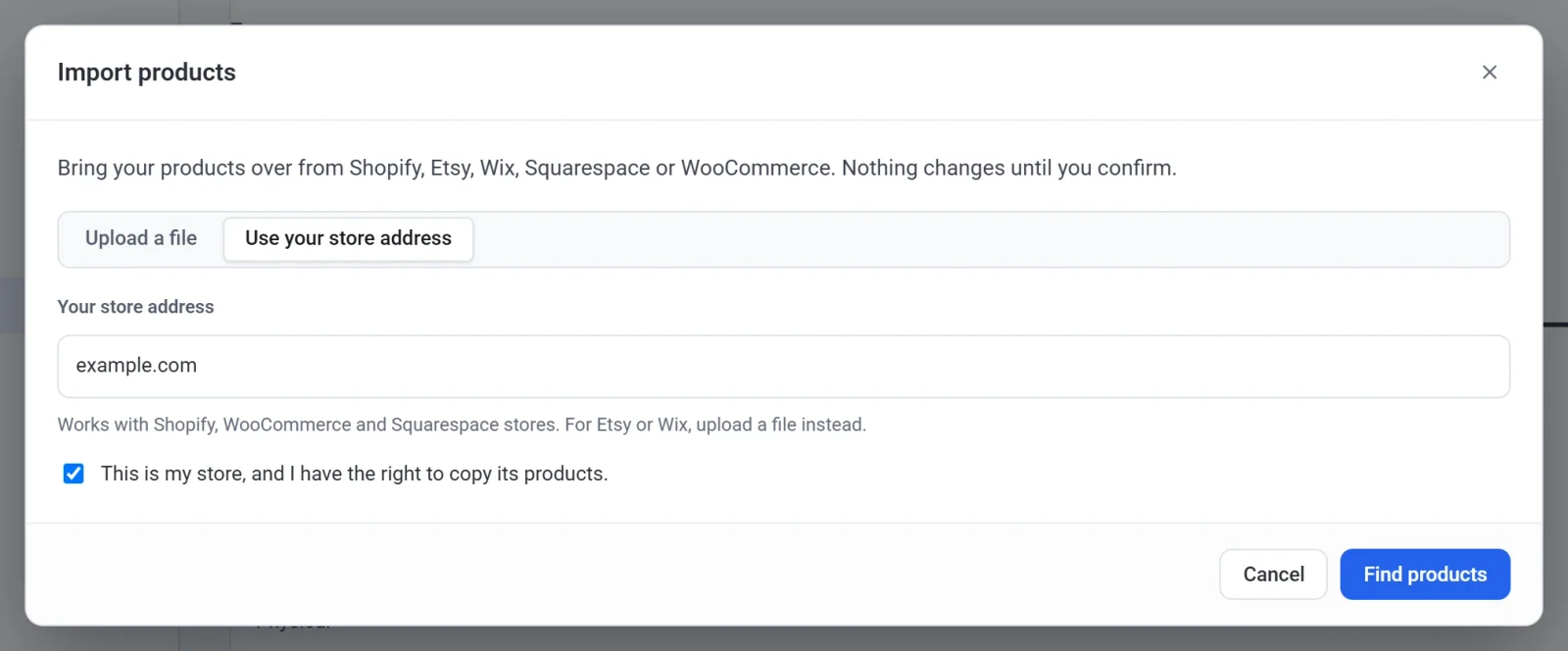
In Payly, click Products, Import, Use your store address, and type your Shopify store's address. See Import products from another store.
Or export a file from Shopify
- In Shopify, go to Products and click Export.
- Choose All products and a CSV file, then click Export products. Shopify downloads the file, or emails it if your catalog is large.
- In Payly, click Products, Import, and drop the file on the box.
Good to know
- Shopify's product file has no collections, so each product's Type becomes its category in Payly.
- From your store's address, Shopify only says whether something is in stock, not how many. Sold-out items come in with a stock of 0, so set your counts after importing, or import the file instead.
- Gift cards are not imported.