
Move from Squarespace
Import your Squarespace products from your store's address, or from the file Squarespace exports.
Squarespace stores can come over two ways: by the site's address, or from the product file Squarespace exports.
The quickest way: your store's address
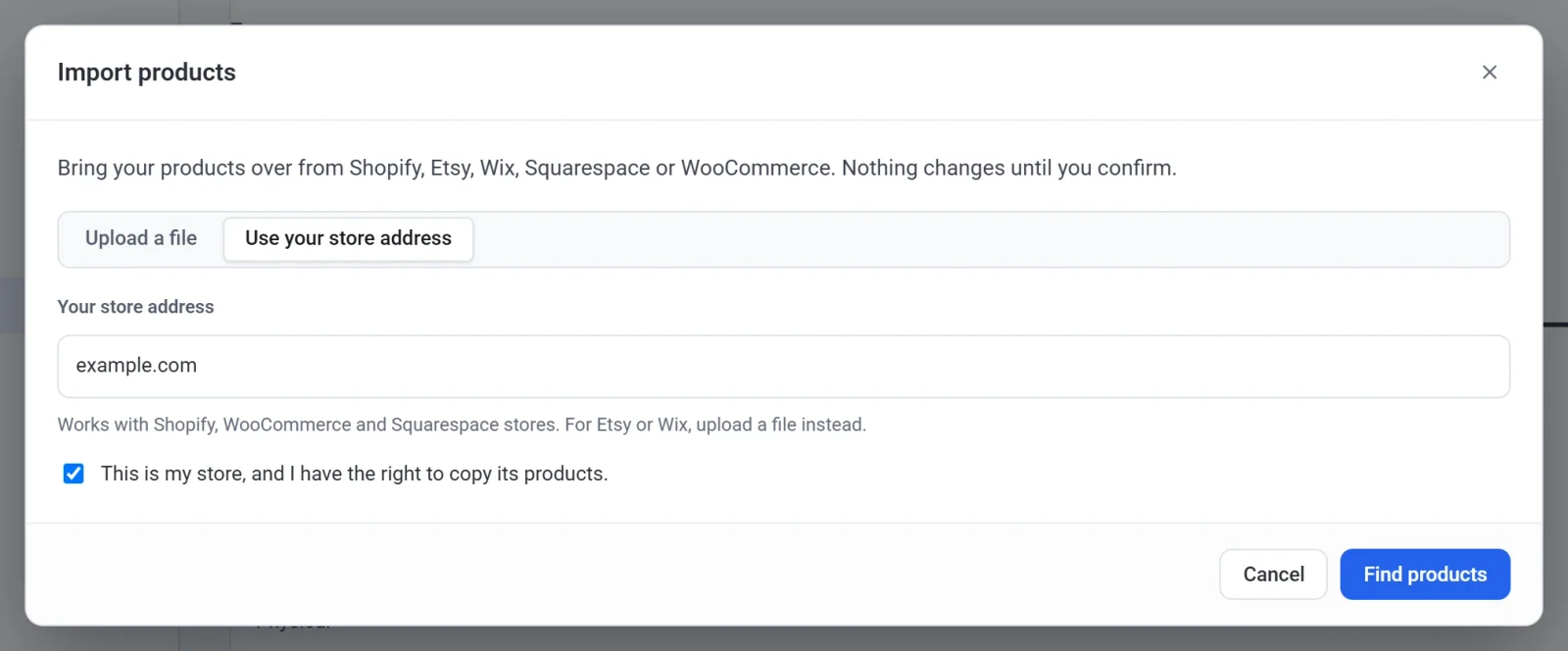
In Payly, click Products, Import, Use your store address, and type your Squarespace site's address. If Payly cannot find your shop page, type that page's address instead, like example.com/shop. See Import products from another store.
Or export a file from Squarespace
- In Squarespace, open your Products panel and click Export all.
- In Payly, click Products, Import, and drop the file on the box.
Good to know
- Squarespace exports physical and service products only. Add digital products and gift cards in Payly by hand.