
Connect PayPal
Connect your own PayPal account so customers can pay with PayPal, Pay Later or a card, and the money goes straight to you.
PayPal is the other way your store can take payments. When you connect your own PayPal account, customers can pay with PayPal at your checkout, and Payly sends the money straight to your PayPal account. Payly never holds your money and never sees your PayPal password.
Before you start
- You need a PayPal Business account. If you do not have one yet, PayPal lets you create one during the connection.
- Payly is free and adds no fees to your sales. PayPal charges you its own standard fees for each payment. You can see them on PayPal's fees page.
- Payly starts PayPal's sign-up form with the email address you use for your Payly account. You can sign in to PayPal with a different one.
- Decide whether you are connecting your live account or a PayPal sandbox account for testing. Step 2 below shows how, and Take test payments with test mode explains sandbox accounts.
Connect your PayPal account
- In your site dashboard, click Settings, then click the Payments tab.
- Look at the Test mode switch at the top. Leave it off to connect your live PayPal account, so you can take real payments. Turn it on to connect a sandbox account instead.
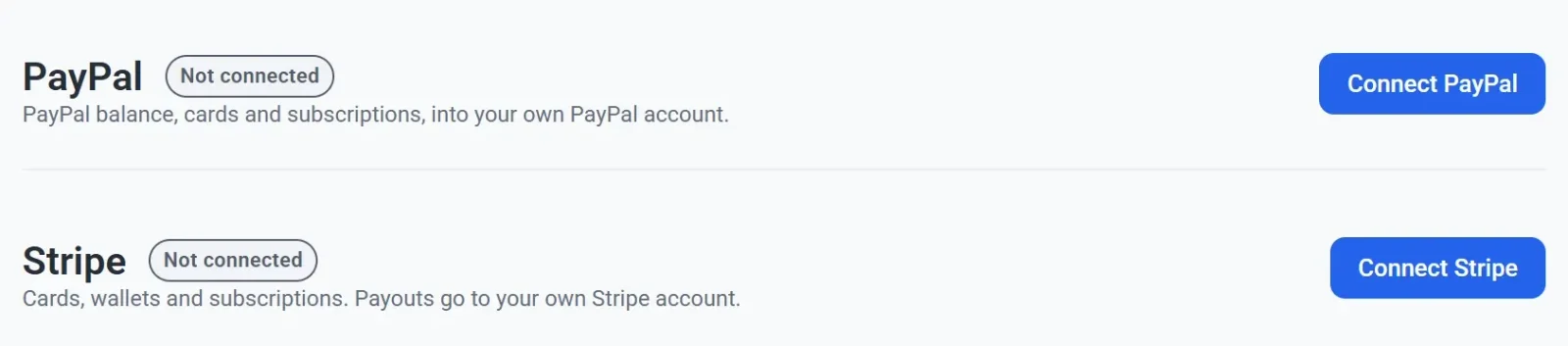
- On the PayPal card, click Connect PayPal.
- Sign in to PayPal, or create a business account, when PayPal's page opens. Your browser leaves Payly for a moment.
- Follow PayPal's steps and approve the connection when PayPal asks you to.
- Use the link or button PayPal shows at the end to return to Payly. The Payments tab opens again.
- Check the PayPal card. It now shows Connected, the business name on your PayPal account, and your PayPal merchant ID in smaller type. If the account has no name, Payly shows its email address instead.

The card in the picture carries a Test label because test mode was on when the account was connected. A live connection has no such label.
What your customers see
At checkout, customers get PayPal's own buttons, which open PayPal in a window over your store. PayPal decides which buttons each customer sees. Besides PayPal, they can include Pay Later, Venmo and PayPal Credit. If you have not connected Stripe, PayPal can also show a card button, so customers can pay by card without a PayPal account. See How checkout works.
PayPal allows one subscription per order. A customer who buys two subscriptions pays for them in two orders when paying with PayPal.
If the connection does not finish
- You closed PayPal's page. Nothing changes. The card still says Not connected, and you can click Connect PayPal again.
- PayPal sent you back but the card still says Not connected. PayPal can take a moment to confirm a new account. Wait a minute, reload the page, and if the card has not changed, click Connect PayPal and go through the steps again.
- You see a message that the link is invalid or has expired. The connection link works for 30 minutes, and you took longer at PayPal. Go back to Settings > Payments and start again.
- You connected the wrong account. See Disconnect or change a payment account.
PayPal tells you in your PayPal account if it needs anything else from you before it releases payments. Payly does not show the status of your PayPal account.