
Move from Wix
Export your Wix store's products as a file and import them into Payly.
Wix does not publish its product list, so a Wix store comes over from the file Wix exports.
Export your products from Wix
- In your Wix dashboard, go to Store Products, click More Actions, then Export.
- Export all your products as a CSV file.
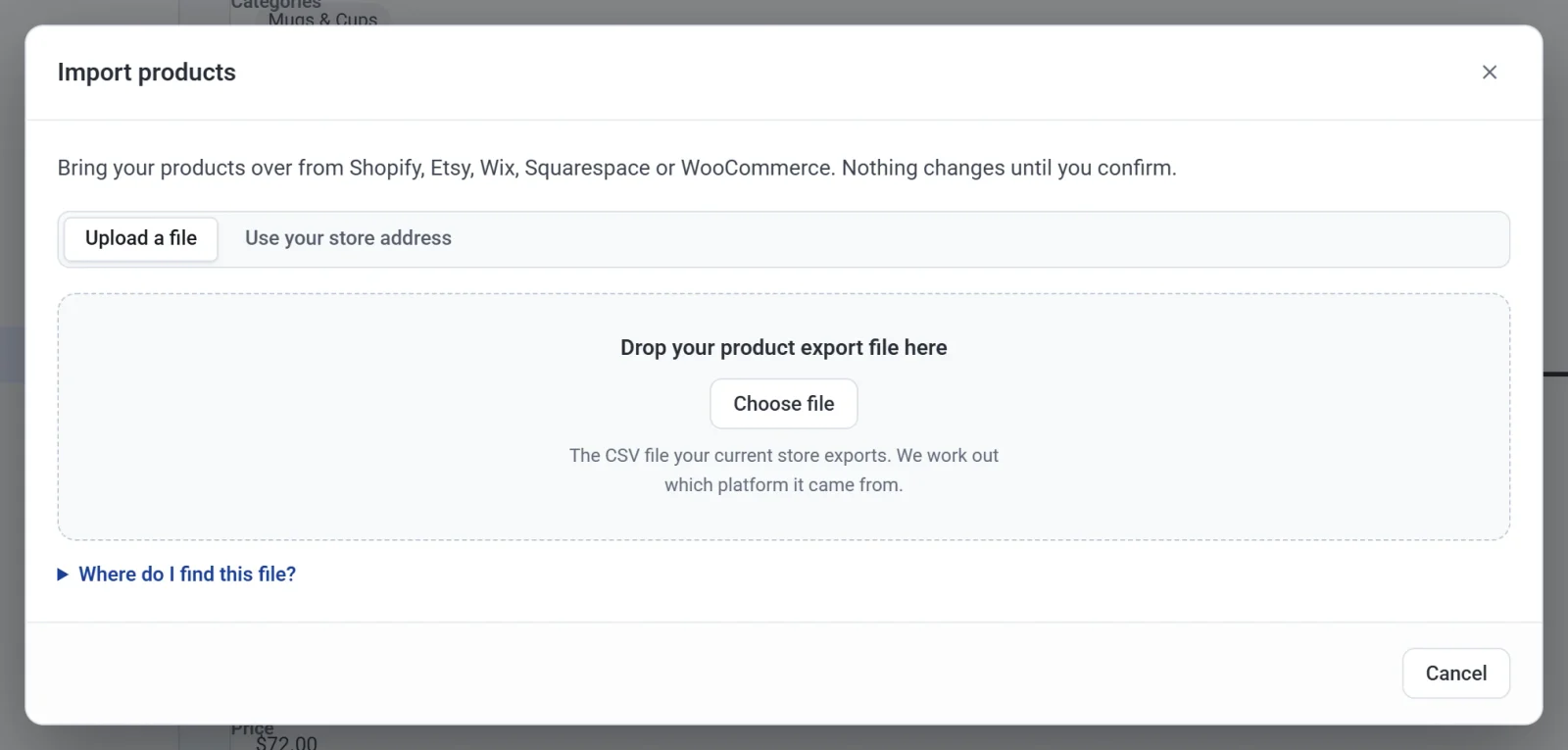
- In Payly, click Products, Import, and drop the file on the box. See Import products from another store.
Good to know
- Wix does not export digital products, so add those in Payly by hand.
- Wix exports up to 5,000 rows per file. With a bigger catalog, export it in parts and import each file.
- Custom text fields (like an engraving box) are not imported: Payly does not have that option yet.