
Embed a booking calendar, music or a form
Add Calendly, Spotify, Google Forms and more to any page with the Embed block.
The Embed block shows something from another service on your page. You paste a link, not code.
- In the editor, open Blocks and drag Embed onto your page.
- Paste a link in Link.
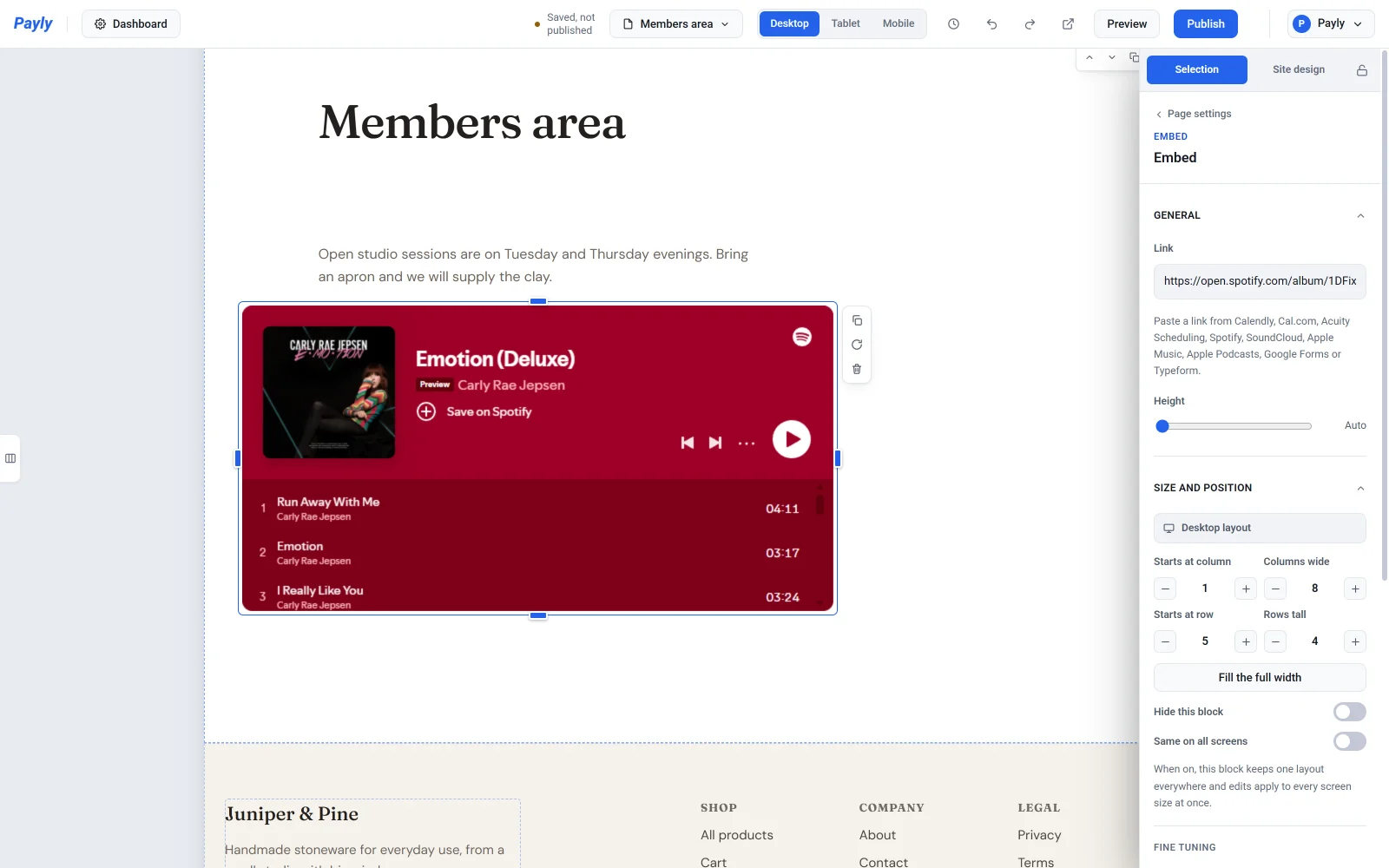
- Change Height if you want it taller or shorter. Auto uses the service's usual size.
It works with links from:
- Booking: Calendly, Cal.com, Acuity Scheduling
- Music and podcasts: Spotify, SoundCloud, Apple Music, Apple Podcasts
- Forms: Google Forms (use the link from Send, not the edit link), Typeform
If the block says the link can't be shown, check that it's from one of these services. Short links (like forms.gle or on.soundcloud.com) need to be opened first, then copied from the address bar.
Videos
The Video block takes links from YouTube, Vimeo and TikTok. TikTok videos stand upright, the way they look on a phone.