
Table ordering and table codes
Let guests order and pay from their table: print a QR code for each table, and guests scan it with their phone to open your menu for that table.
With table ordering, each table in your restaurant has its own QR code. A guest scans it with their phone camera, your menu opens for that table, and they order and pay on their phone. You bring the food to the table.
Before you start
- Online ordering must be on, and your website must be published, so the codes have somewhere to go. See Publish your first site.
Turn on table ordering
- In your site dashboard, click Ordering.
- Turn on Table ordering.
- In How many tables, enter the number of tables you have. They are numbered from 1.
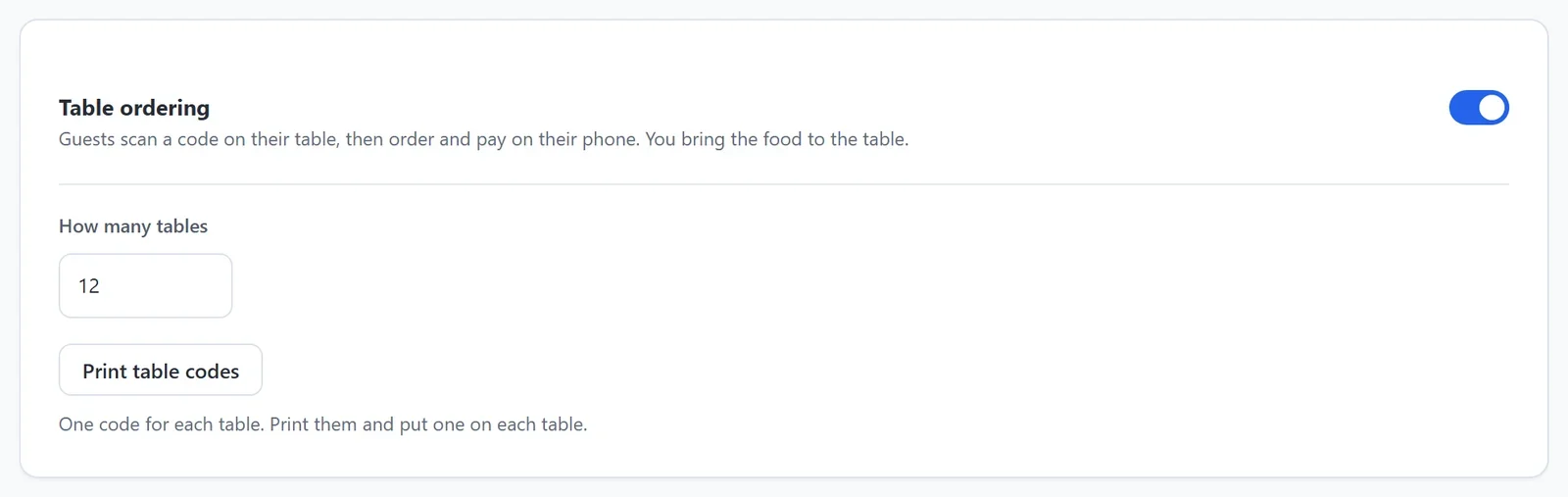
- Click Save at the bottom of the screen.
Print the table codes
- On the Ordering screen, click Print table codes. Save your changes first: the codes are made from your saved settings.
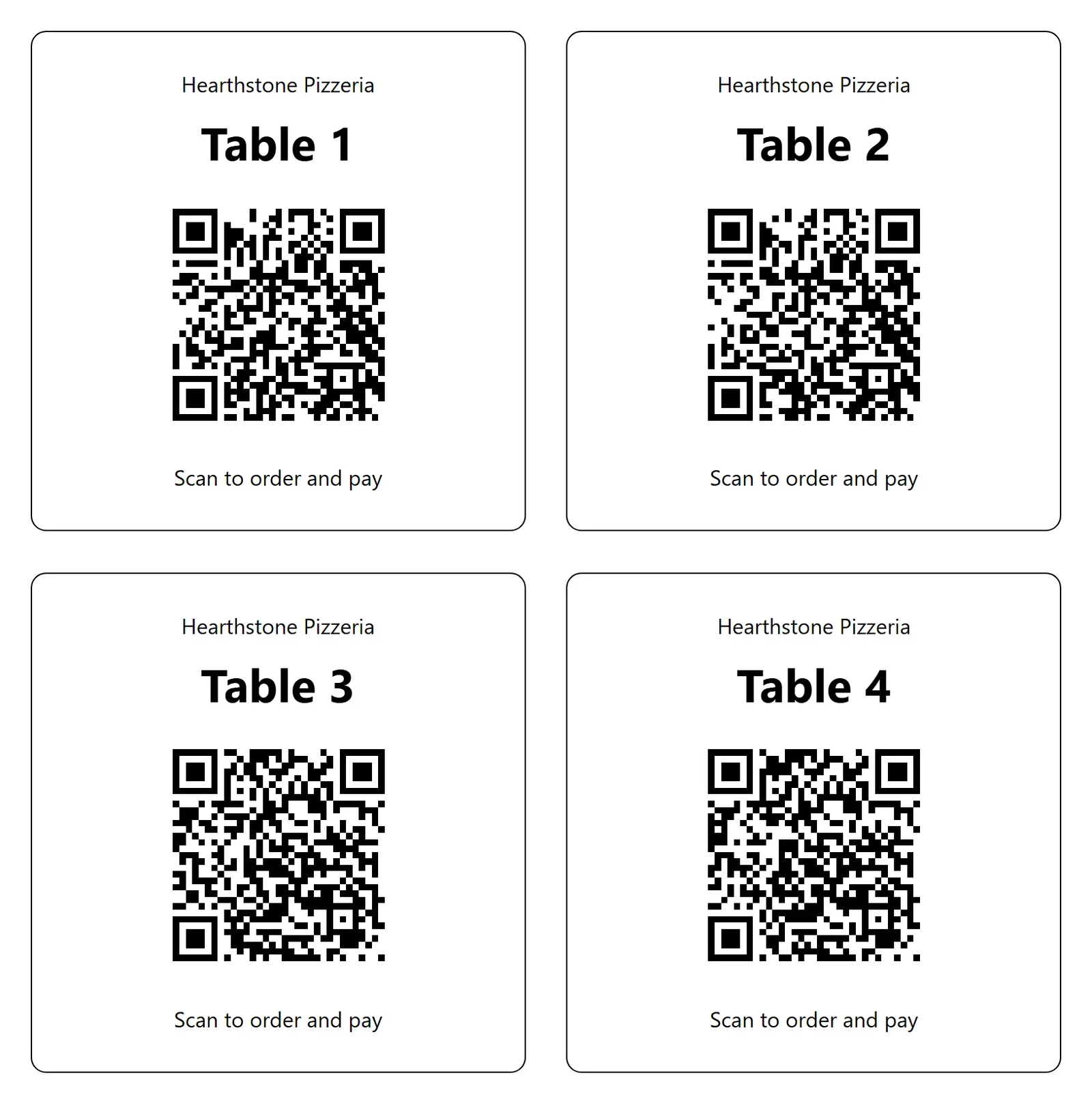
- Your browser's print window opens, with one card for each table. Each card has your restaurant's name, the table number, its QR code and the words Scan to order and pay.
- Print the sheet, or save it as a PDF to print later. Then cut out the cards and put one on each table.
If you add tables later, change How many tables, save, and print the codes again. The cards you already have keep working.
What guests see
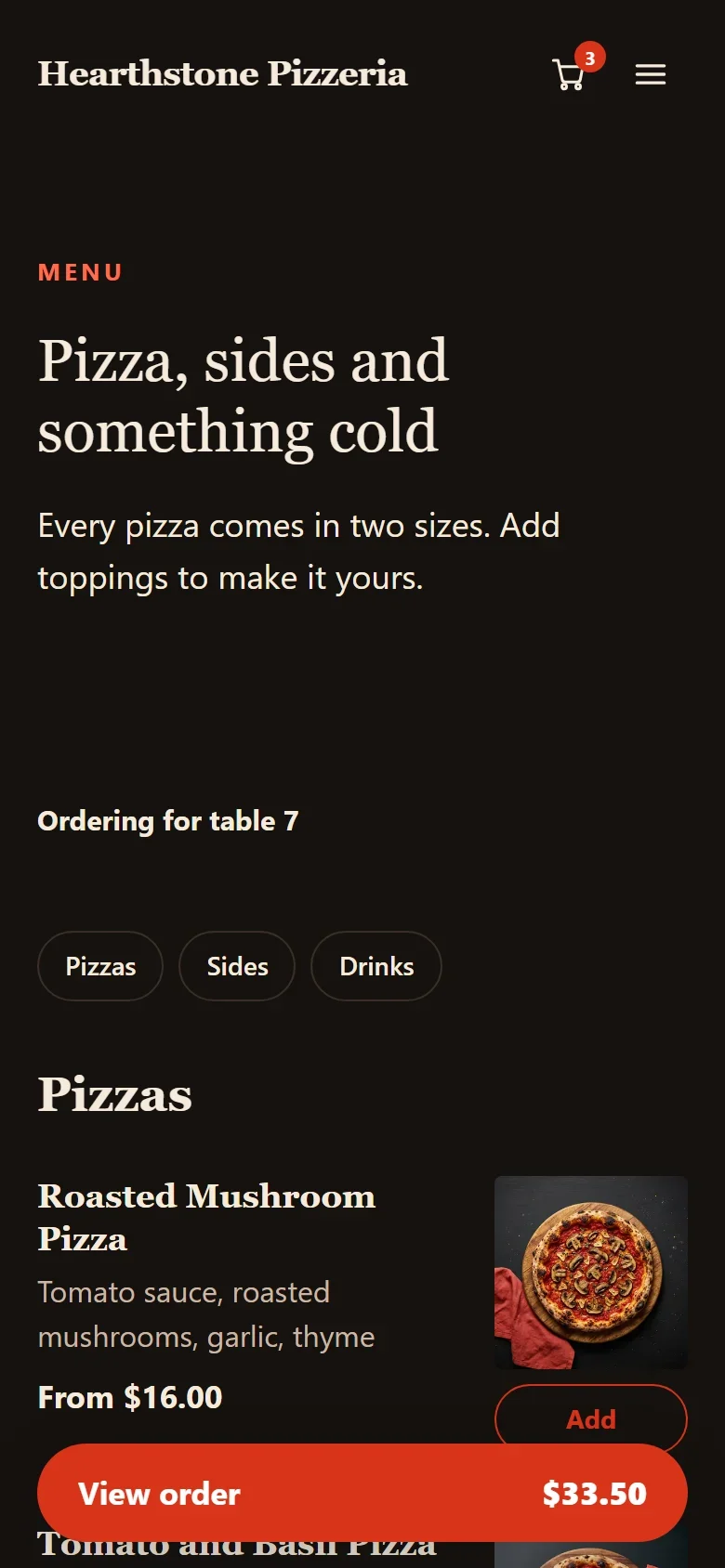
- The menu opens with Ordering for table 7 at the top, or whichever table they scanned.
- At checkout, Table 7 is chosen for them, with We will bring your order to table 7. They do not have to give a phone number, and there is no time to choose: the order is made right away.
- They can add a tip, then pay on their phone.
The phone remembers the table for three hours, long enough for a meal. Table ordering is only offered to a guest who scanned a code, and only during your ordering hours. If table ordering is the only way you take orders, visitors who did not scan a code see your menu with Scan the code on your table to order.
After the order is paid
- The order shows on your Kitchen screen with its table number.
- When it is ready, bring it to the table. A guest at a table gets no ready email: their order page says the food is coming to their table.