
Make a business website
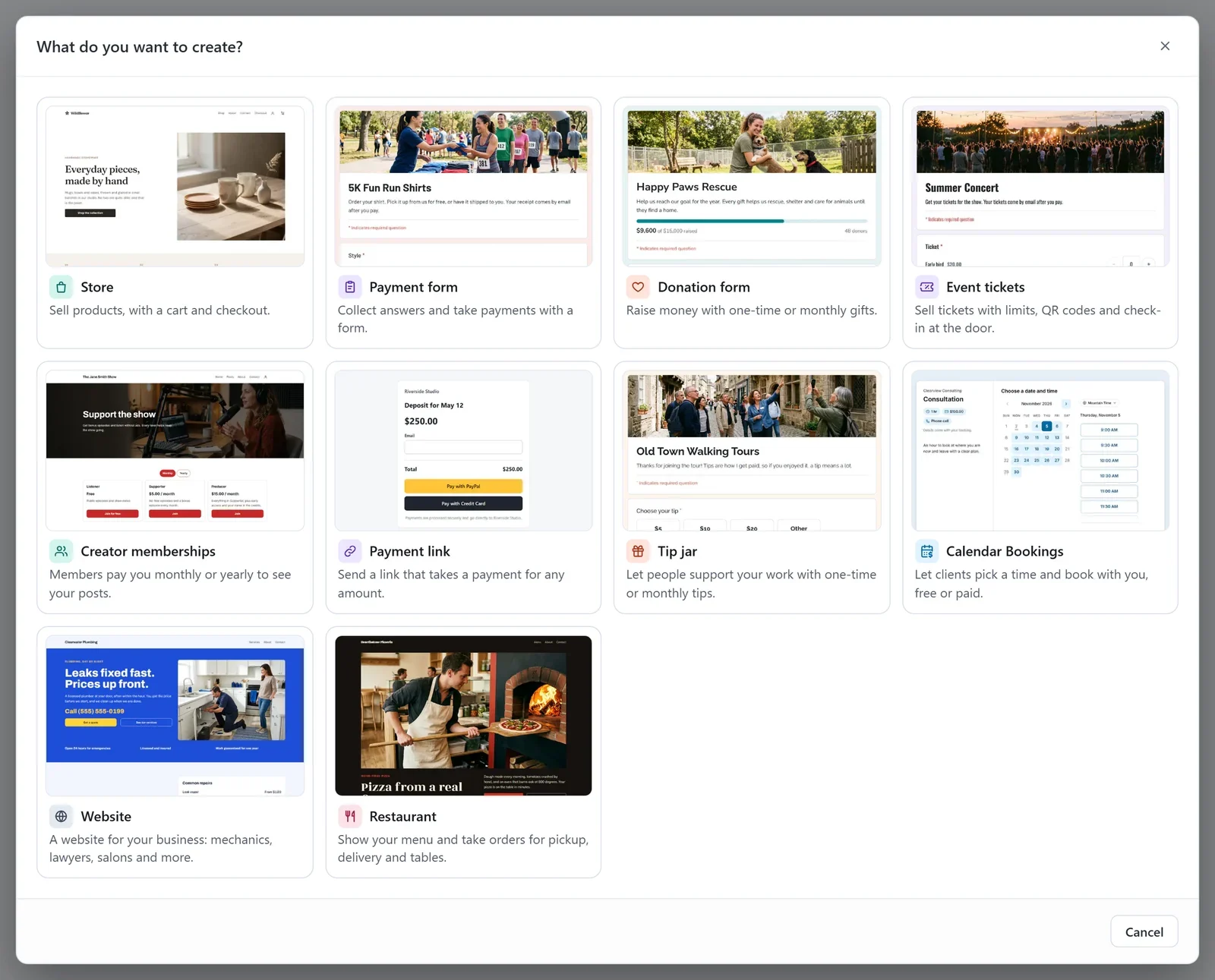
Create a website for your business, such as a garage, a law office or a salon: pick one of nine designs, name it, then add your details and publish.
A Website is a site for a business that offers a service: a mechanic, a plumber, a lawyer, a dentist, a salon or a cleaning company. It tells visitors what you do, what it costs, when you are open and how to reach you. It is hosted in your own free Cloudflare account, and Payly is free.
Before you start
- You need a Payly account. See Create your Payly account.
- You do not need Cloudflare yet. Payly asks you to connect it the first time you publish.
Create your website
- On Your sites, click New. If you have no sites yet, click the New site card instead.
- In the What do you want to create? window, click Website.
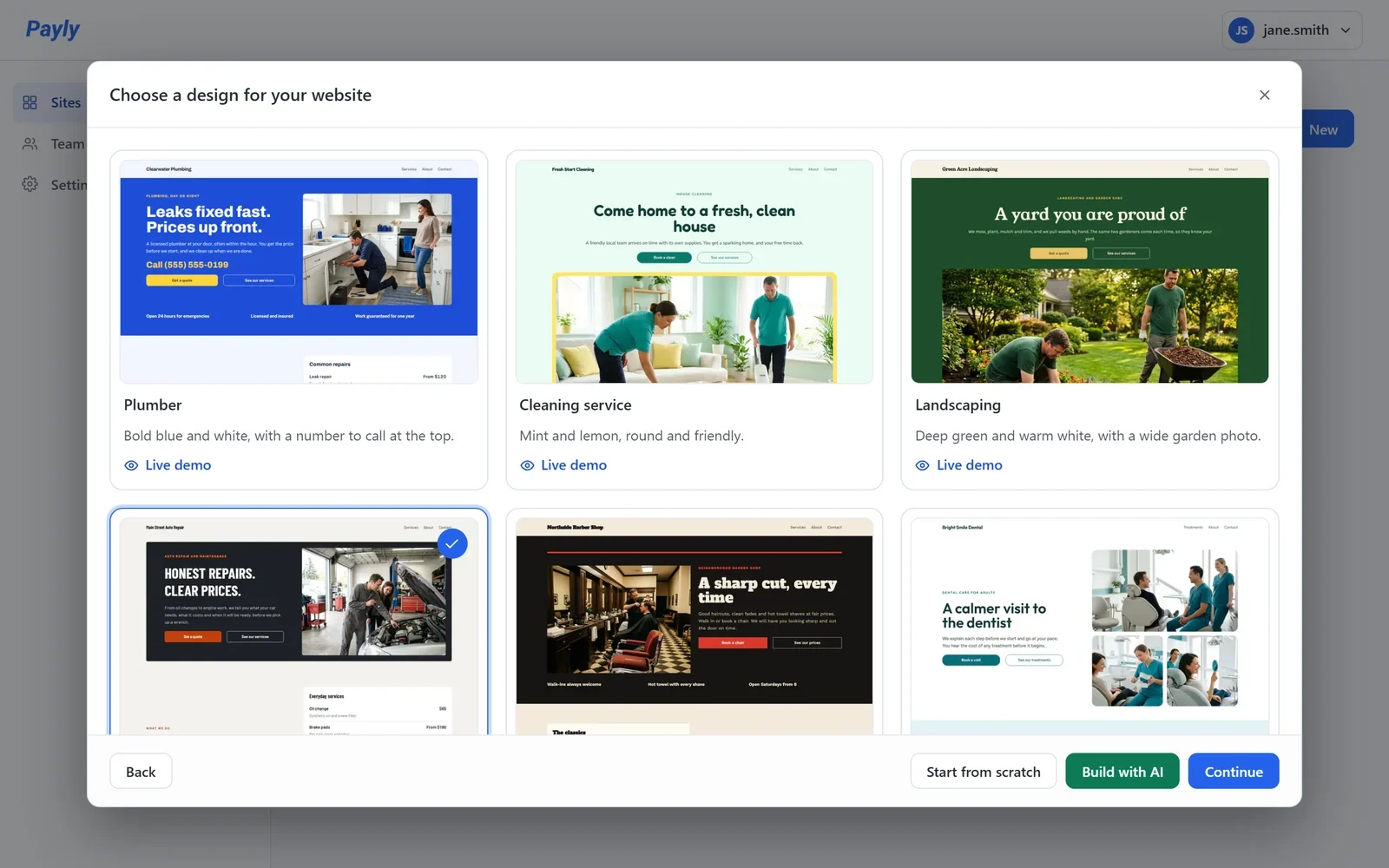
- Click the design closest to your business, then click Continue. A check mark shows your choice. To look around a design first, click Live demo on its card.
- Enter your Business name. Payly suggests a Website handle from it and tells you whether it is available.
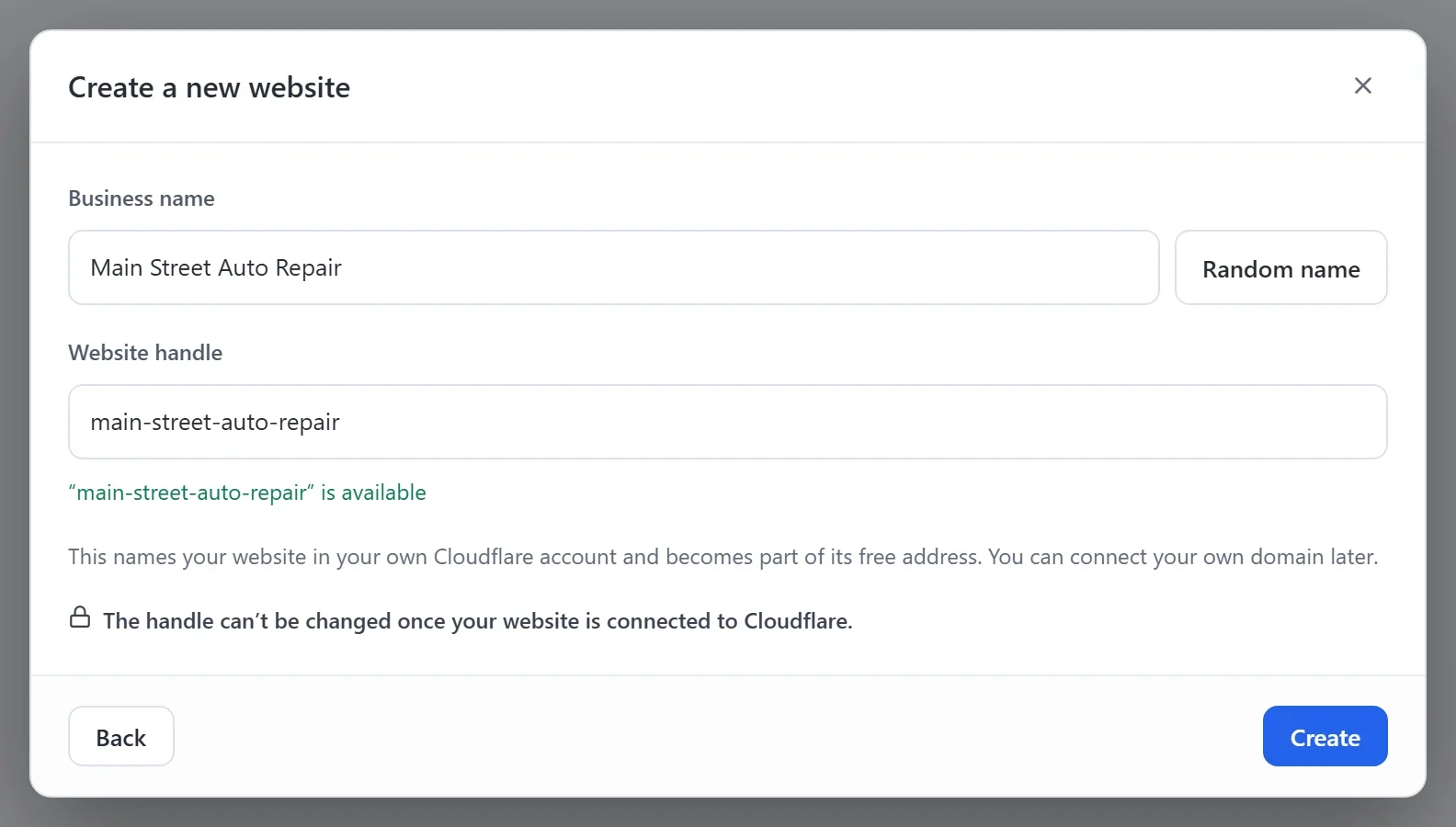
- Click Create. The editor opens with your new website.
There are nine designs: Plumber, Cleaning service, Landscaping, Auto repair, Barber shop, Dentist, Law office, Real estate and Remodeling. Each has its own colors, fonts, photos and sample words. If none is your trade, pick the one whose look you like: you can change every word and photo. To build your pages yourself, click Start from scratch instead of a design.
Important: Choose your website handle with care. It names your website in your own Cloudflare account and becomes part of its free web address. Once your website is connected to Cloudflare, the handle cannot be changed.
What your new website comes with
- Home: your main message, a price list of your services, reviews from customers and your opening hours.
- Services: a price list and answers to common questions.
- About and Contact: your story, then a contact form, your opening hours and a map.
- Privacy and Terms pages.
The words, prices and photos are samples. Replace them with your own in the editor. See The editor at a glance.
Your website's dashboard
Open your site dashboard from Your sites. Its menu has Dashboard & Analytics (your visits and your setup steps), Email subscribers, Media, Integrations and Settings.
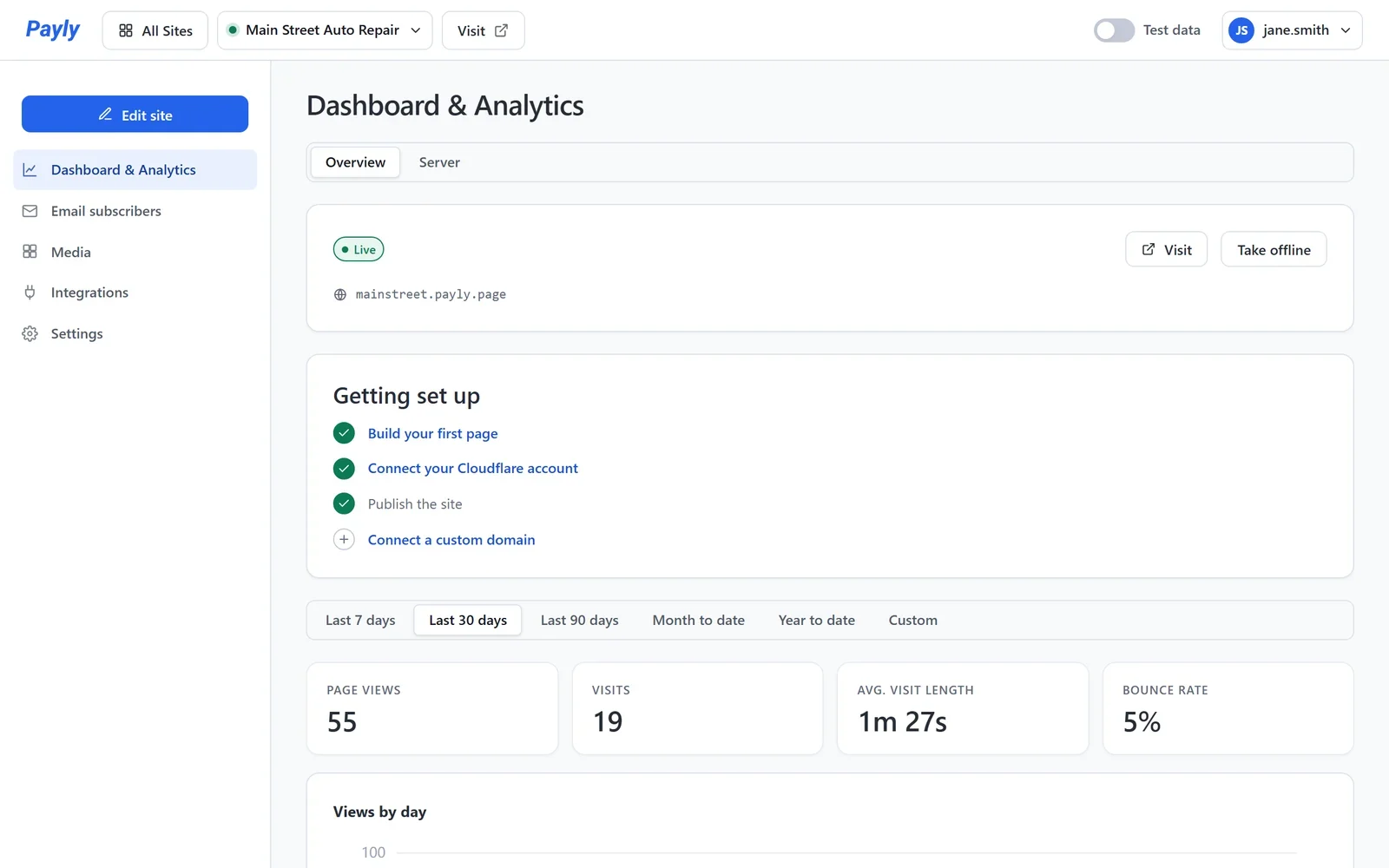
Next, add your address, phone number and opening hours. They show on your website and help Google find you. See Add your business details and opening hours.
If you want to sell products or take payments later, you can. See Sell online from your website.