
Booking emails and reminders
The emails Payly sends you and your clients for each booking, what they include, and how to set the reminder.
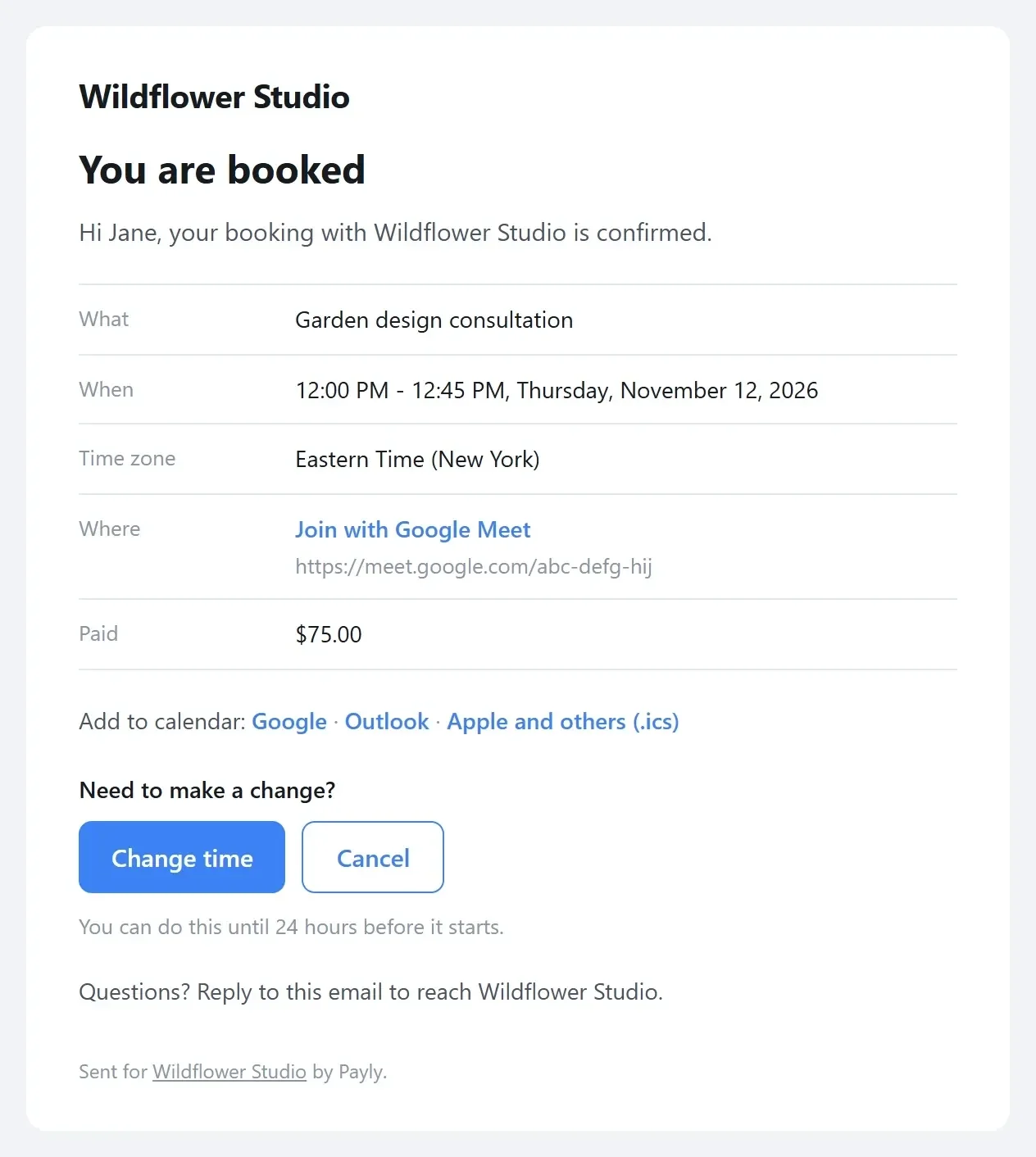
Payly emails your clients and you at each step, so nobody misses a booking. Every email shows the service, the date and the time in the reader's own time zone, and where you meet. The client's emails also have Add to calendar links for Google, Outlook, and Apple and others (an .ics file).
| Goes to | When | |
|---|---|---|
| Confirmed | The client | Right after they book, with Change time and Cancel links |
| New booking | You | Right after a client books |
| Reminder | The client | Before the booking: 24 hours at first |
| Canceled | The client and you | When either of you cancels |
| New time | The client and you | When the time changes |
Set the reminder
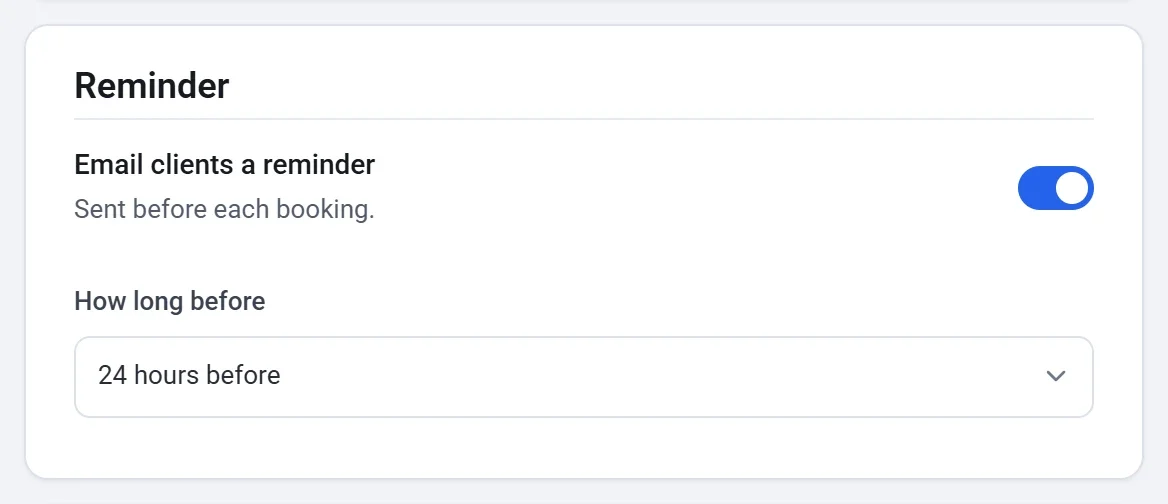
- Open your booking page in the builder and click the Settings tab.
- Under Reminder, leave Email clients a reminder on, or turn it off.
- Choose How long before: from 1 hour to a week before the booking.
A canceled booking's reminder is never sent, and when the time changes, the reminder moves with it. A booking made after its reminder time gets no reminder.
The client's language
Clients get their emails in your booking page's language, and you get yours in your dashboard's language.