Let clients cancel or change their time
Clients can cancel or pick a new time from their booking emails, up to a cutoff you set. Payments are refunded only when you choose.
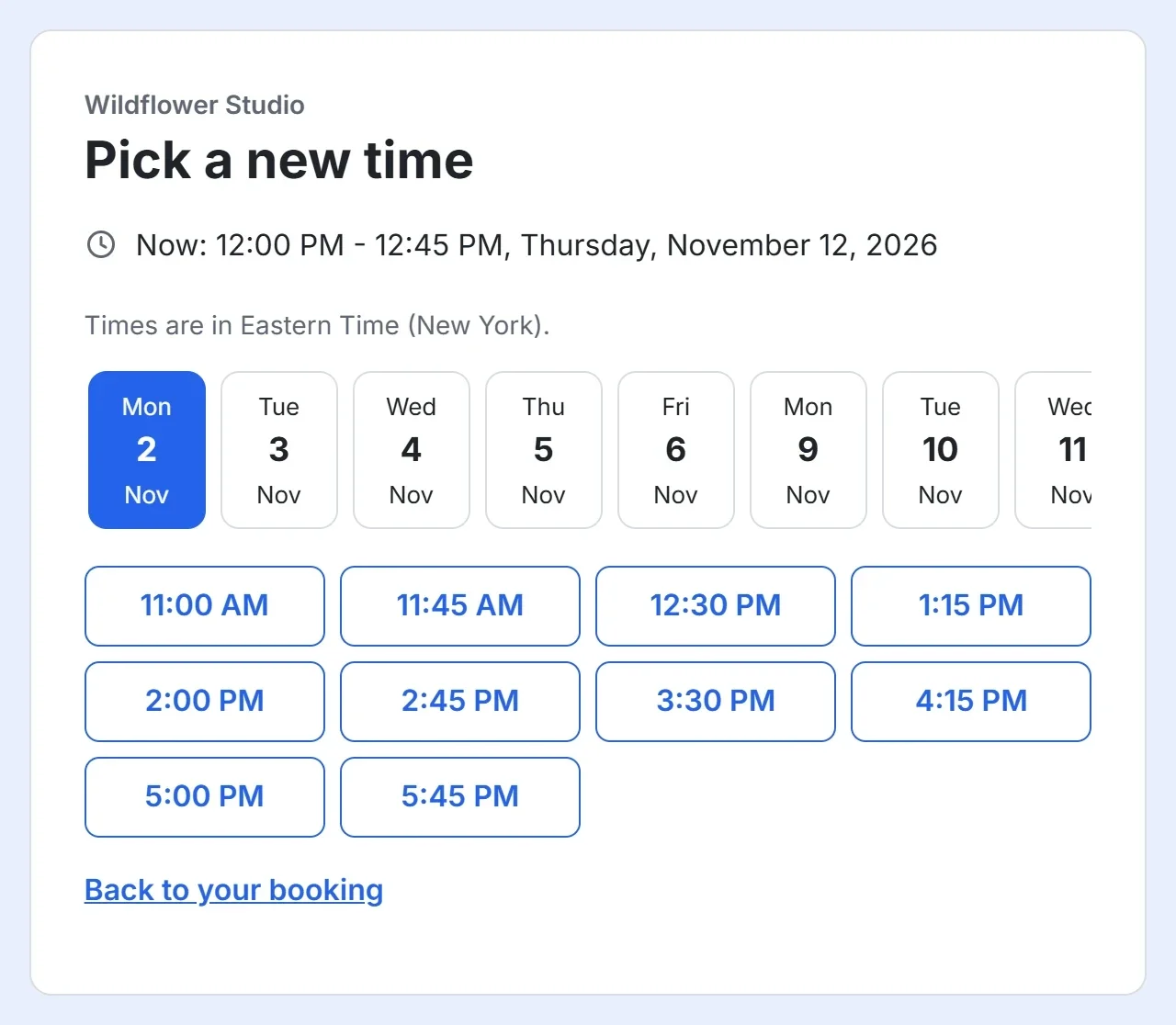
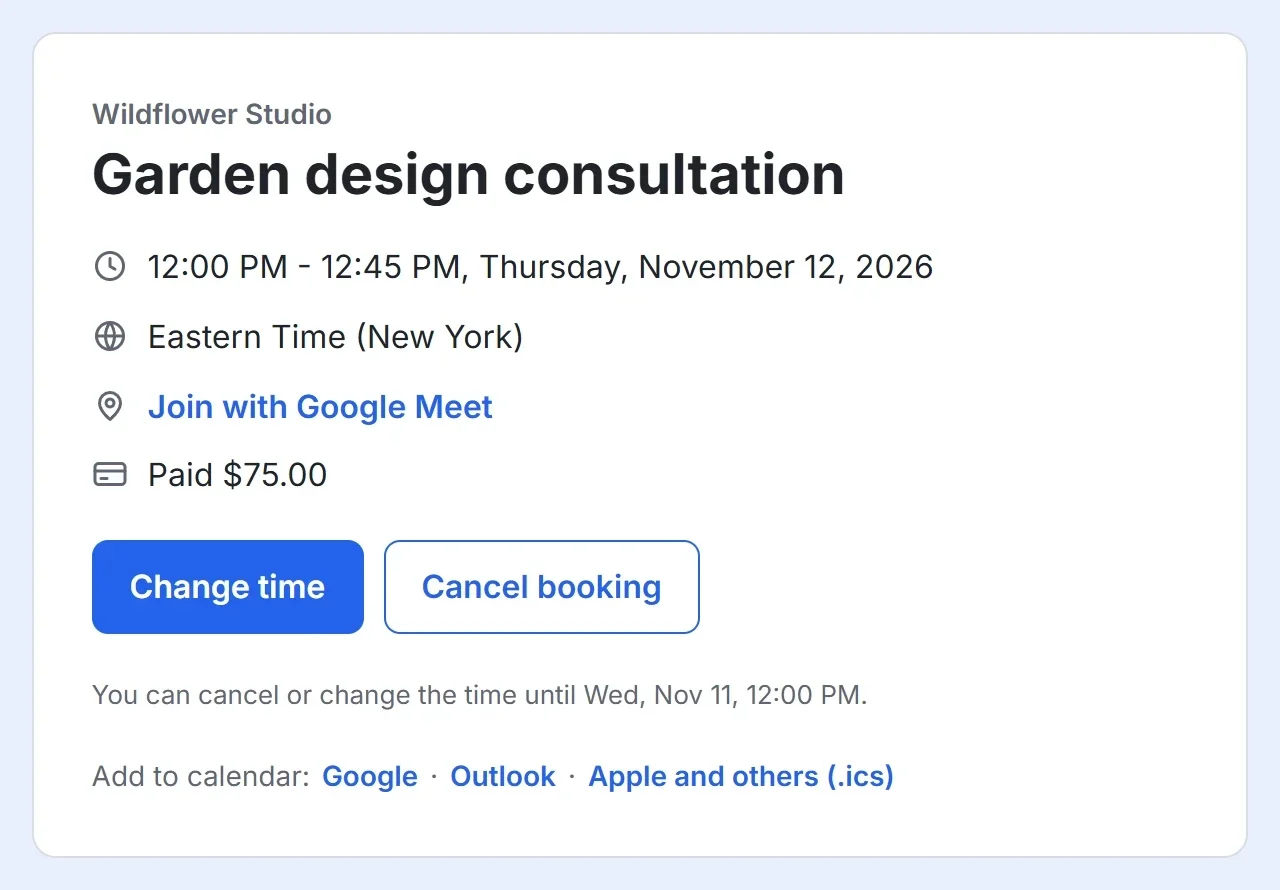
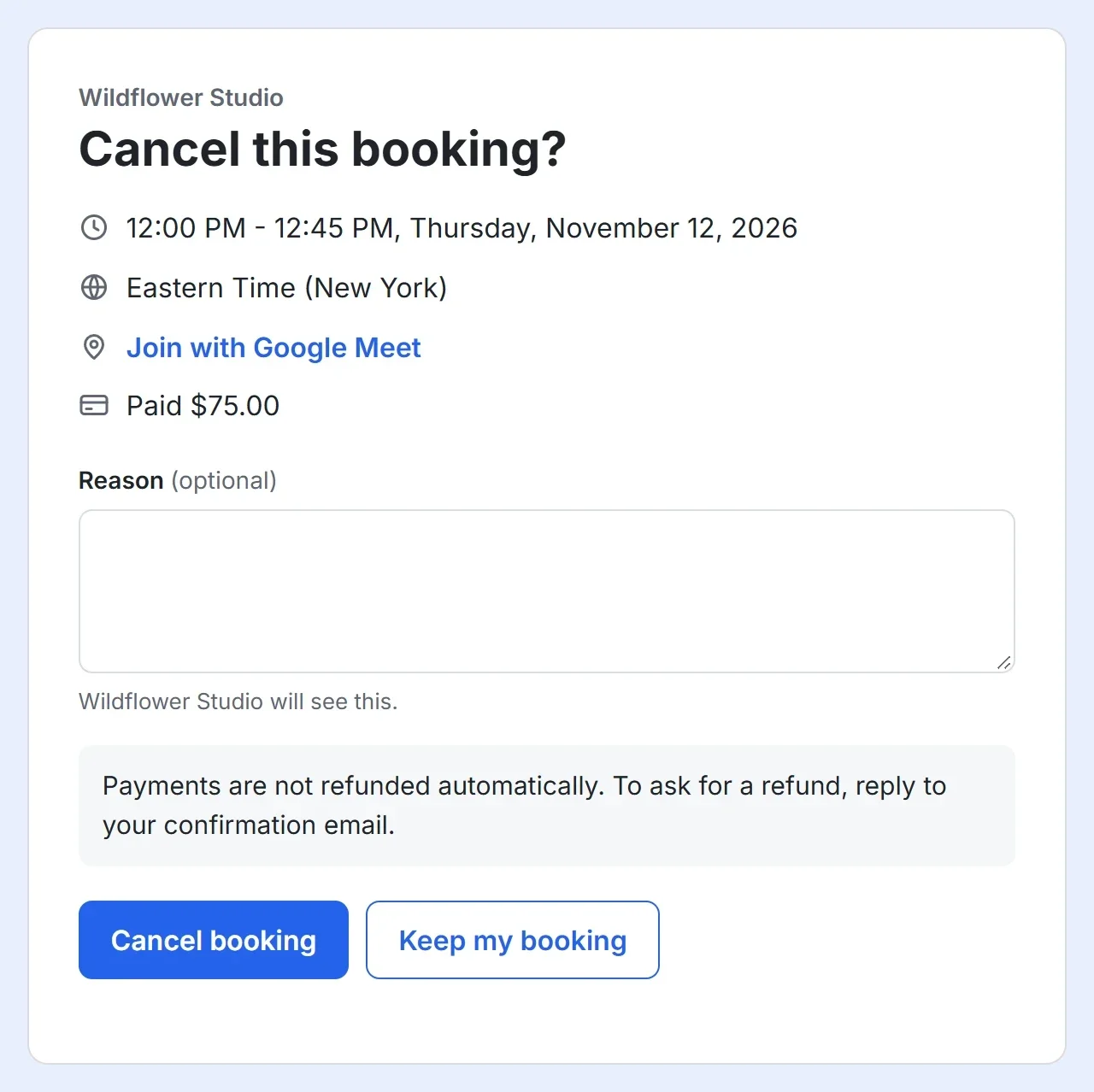
Plans change. Your client's confirmation and reminder emails end with Change time and Cancel. Each opens a page with the booking's details, where the client can cancel, with a reason if they like, or pick a new time from your open times. They do not need to sign in.
Set the cutoff
- Open your booking page in the builder and click the Settings tab.
- Under Cancel or change, leave Clients can cancel or change their booking on, or turn it off so that clients contact you instead.
- Set Up to this many hours before, such as 24.
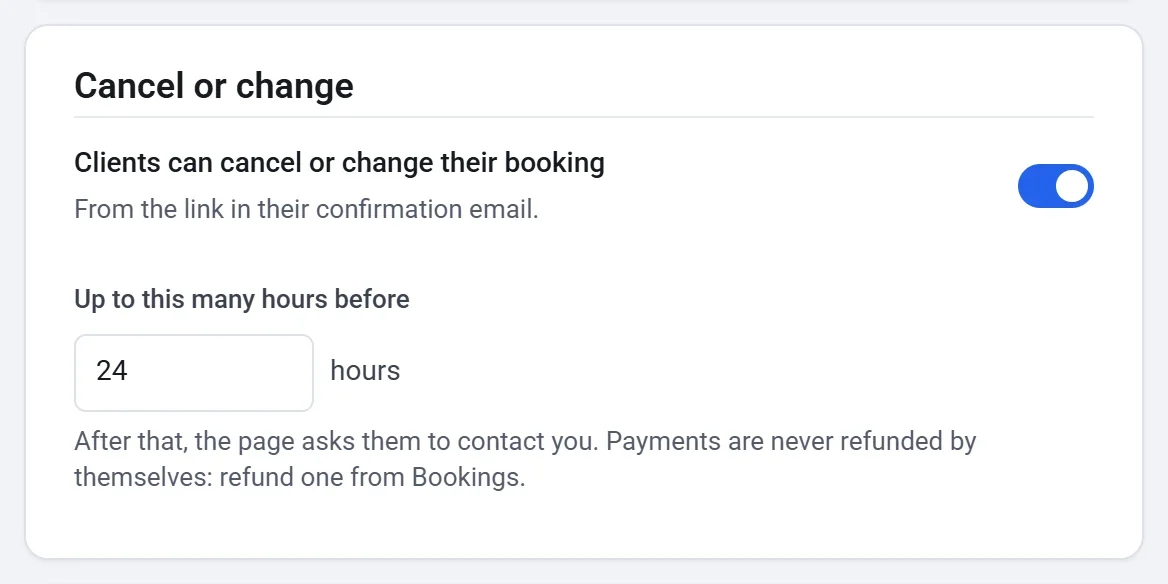
After the cutoff, the page asks the client to reply to their confirmation email to reach you.
When a client cancels
- The time opens up again on your booking page.
- You and the client each get an email, with their reason if they gave one.
- If Google Calendar is connected, the event is taken off your calendar.
- A payment is not refunded by itself. The client is told to reply to their confirmation email to ask for a refund. To give one, open the booking under Canceled on your Bookings screen and click Refund the payment.
When a client changes the time
- The client picks a new time from your open times and clicks Confirm new time.
- You and the client each get an email with the old time and the new one.
- A paid booking stays paid: the client is not charged again.
- The reminder moves with the booking, and so does the event in your Google Calendar.