
Create a payment form
Make a payment form from a ready-made template or a blank page, name it, and open the form builder to add your questions and prices.
A payment form is a page that asks your questions and takes the payment in the same step: a class sign-up, an order, a club fee. You build it in the form builder, and the money goes straight to your own PayPal or Stripe account. Payly adds no fee of its own. PayPal and Stripe charge their standard processing fees.
A payment form is not a store. It has no cart, products or shipping rates. If you need those, make a store instead. To raise money with gifts, make a donation form. To sell tickets with check-in at the door, make event tickets.
Before you start
- You need a Payly account. See Create your Payly account.
- You do not need PayPal, Stripe or Cloudflare yet. You connect them when you are ready to take payments and put the form online.
Create the form
- Go to Your sites and click New.
- Click Payment form.
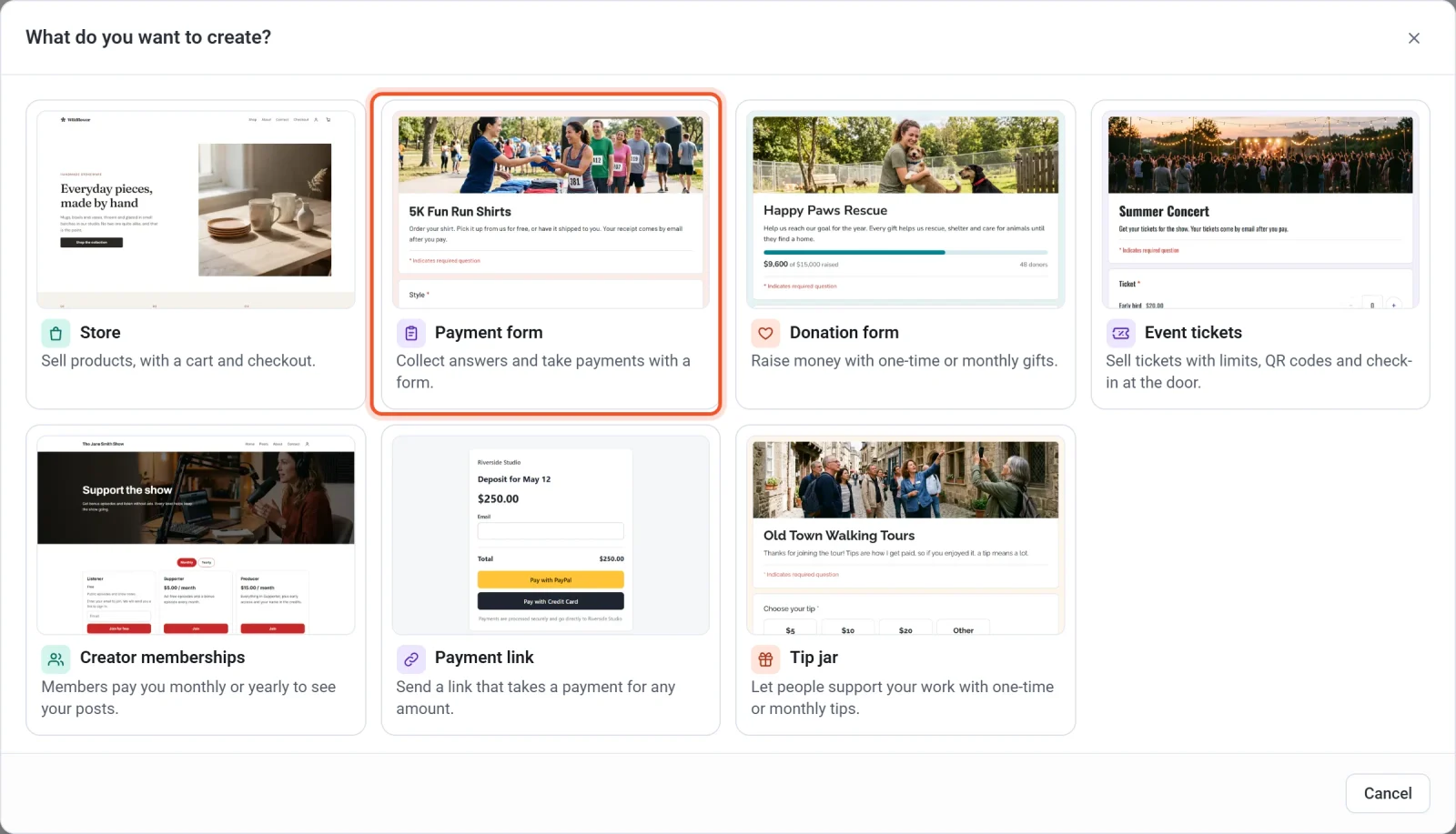
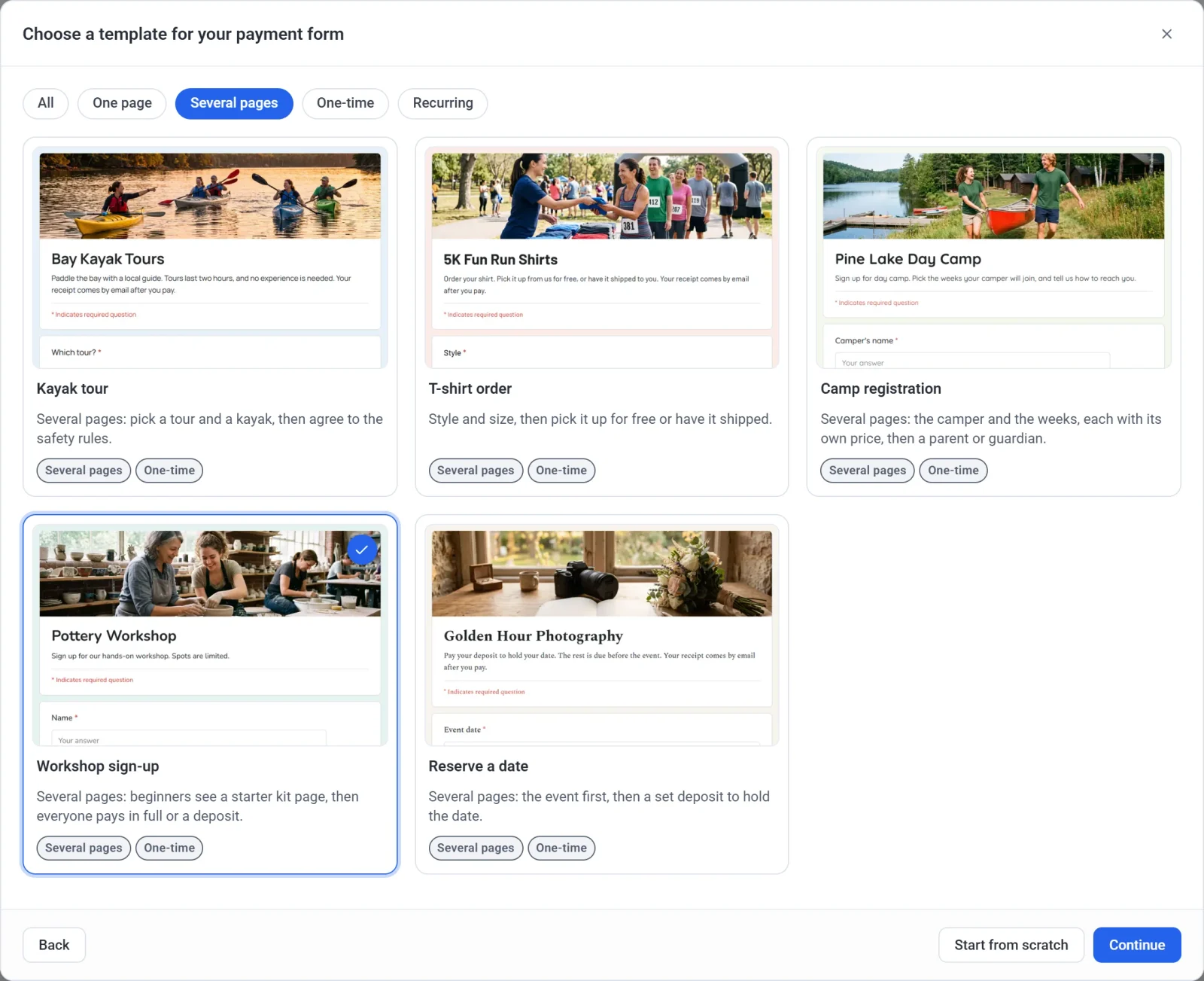
- Look through the templates. The buttons at the top (One page, Several pages, One-time and Recurring) narrow the list. All shows every template again.
- Click a template, then click Continue. Or click Start from scratch to begin with a blank form.
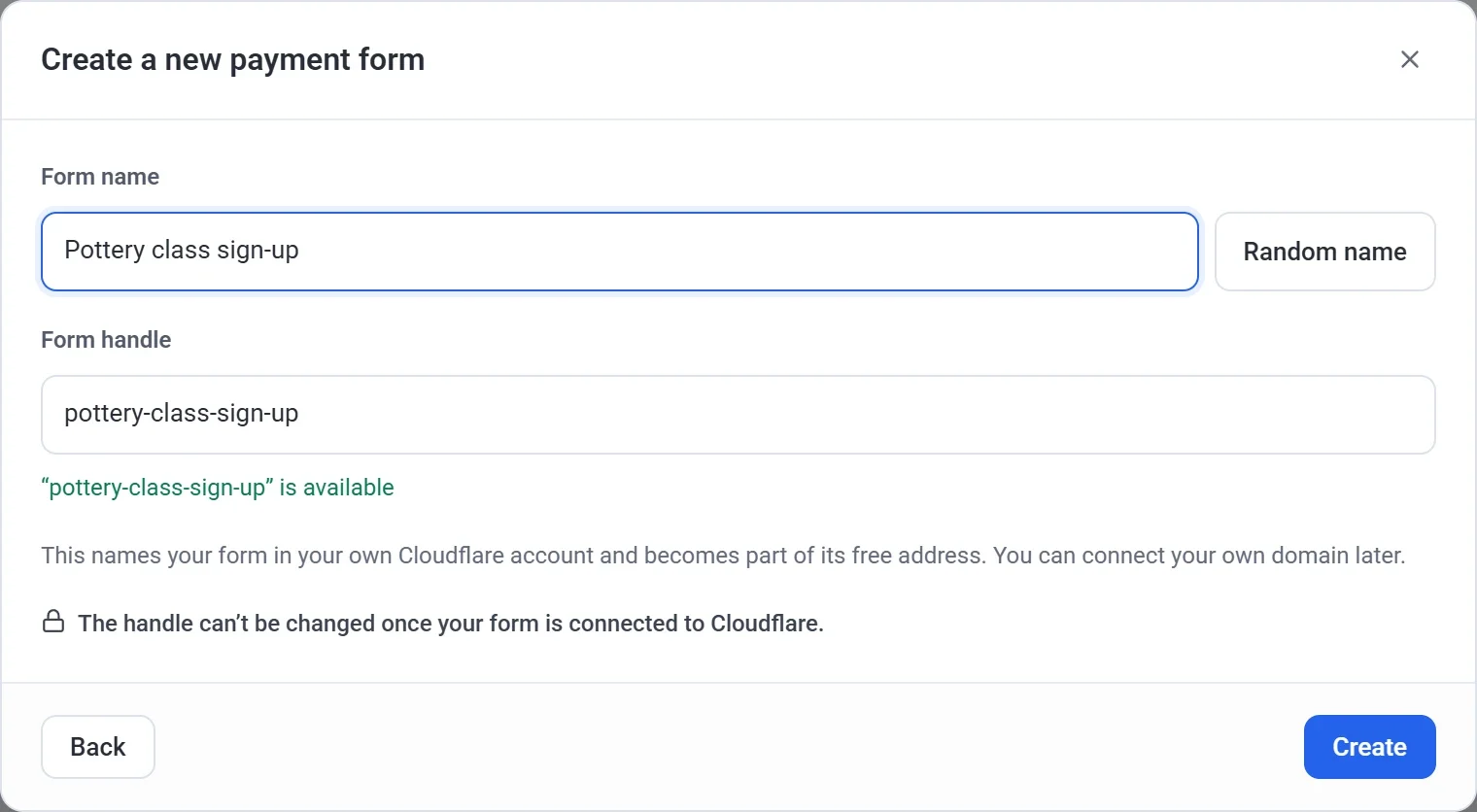
- Type a Form name. Click Random name if you would like a suggestion.
- Look at the Form handle. Payly fills it in from the name, and a green message says when it is available. You can edit it. Use 3 to 40 letters, numbers and hyphens.
- Click Create. Payly creates your form and opens the form builder.
Your form is created only when you click Create. To stop without making one, click the X in the top right corner of any window. To change an earlier answer, click Back.
Important: choose your handle with care. It names your form in your own Cloudflare account and becomes part of its free web address. The handle cannot be changed once your form is connected to Cloudflare. The name can be changed at any time in Settings > General.
The templates
A template is a finished form with a photo at the top. Change anything you like, including the questions, prices, colors and photo.
| Template | What it is for | Charged |
|---|---|---|
| Dance classes | Monthly tuition for adult classes, with a price on each class. | Every month |
| Kayak tour | Pick a tour, a date and a kayak, then agree to the safety rules on a second page. | Once |
| Volleyball league | Sign up a whole team, or join alone as a free agent, each with its own price. | Once |
| T-shirt order | Style and size, then pick it up for free or have it shipped for a fee. | Once |
| Camp registration | The camper and the weeks, each week with its own price, then a page for a parent or guardian. | Once |
| Sponsorship | Gold, Silver and Bronze levels for businesses, with a logo upload. | Once |
| Membership dues | A membership with two levels. | Every month |
| Workshop sign-up | Beginners see a starter kit page, then everyone pays in full or pays a deposit. | Once |
| Book a session | Fixed prices to choose from, and a preferred date. | Once |
| Monthly retainer | The same amount every month, with a choice of plan. | Every month |
| Pay rent | Tenants type the amount due and their unit. | Once |
| Reserve a date | The event first, then a set deposit to hold the date. | Once |
| Installment plan | Three monthly payments that stop by themselves. | Every month, 3 payments |
| Gift certificate | Any amount, with a name and a message for the card. | Once |
Not sure which to pick? Choose the one closest to what you want to collect. Adding a question, a price or a page later takes a few clicks.
What happens next
The form builder opens with your template's questions ready to change. It saves your work as you go, so there is no Save button. The top bar says Saved, not published, and nobody can see the form until you publish it.
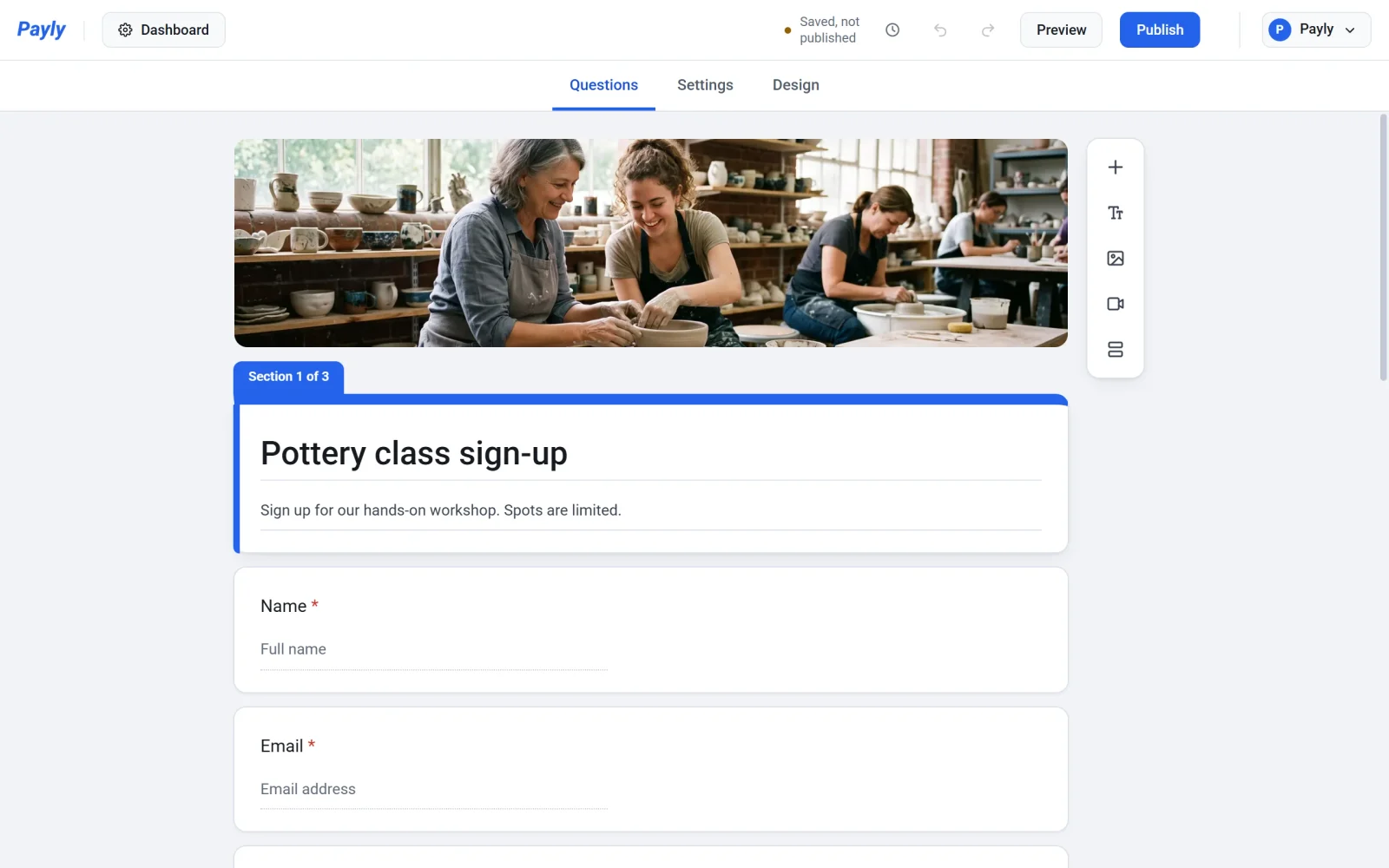
Your form also appears on Your sites, marked Payment form. Click its picture to open the builder again, or click Dashboard for its responses, payments and settings.
From here, change the questions, pages and design, put prices on the choices, and publish the form when it is ready.