A link for each amount
Make a link with a set amount for each certificate, such as $25, $50 and $100. Or make one link where the buyer types the amount, at least $1.00.
Gift certificates, free
Make a link for each amount, share it by email, text or on your website, and get paid through your own PayPal or Stripe account. Payly takes no fees.
Start buildingPick the amounts you will sell, such as $25, $50 and $100, and give each one its own payment link. A buyer can then pay online without an account on your site. Send the certificate once the payment arrives, and say plainly what it covers and when it expires. Some places limit expiry dates, so check your local rules.
Make a link with a set amount for each certificate, such as $25, $50 and $100. Or make one link where the buyer types the amount, at least $1.00.
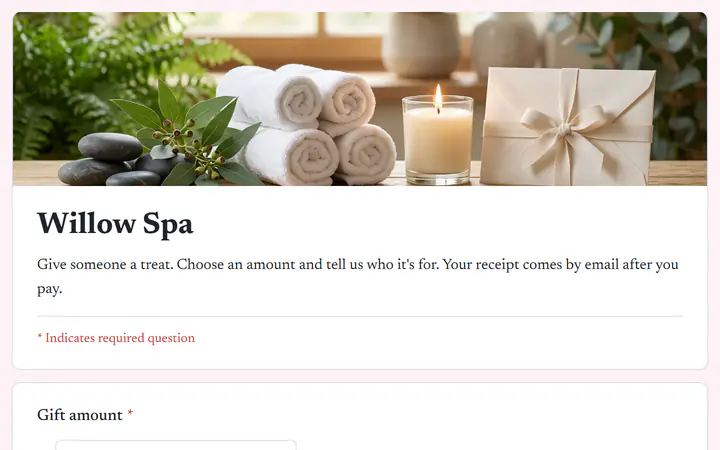
The Gift certificate template is a payment form. It asks for the gift amount, who it is for and a message for the card, so you know what to write on the certificate.
Turn a link off after the holidays or a promotion. Anyone who opens it sees that it is not active. Turn it back on when you want to sell certificates again.
You make the link. PayPal or Stripe collects each payment. You send the certificate.
In Your sites, click New and choose Payment link. The first time, type your business name. Then type what it is for, such as "Gift certificate, $50", and set the amount.
Connect PayPal, Stripe or both on the Payments tab in Settings. To try a link without real money first, turn on Test mode there.
Click Copy link, then paste it into an email, a text, a post or a button on your website. Each buyer gets a receipt by email, and you send the certificate.
$0
Completely free - no paid plan, no transaction fees, no commission
PayPal and Stripe charge their standard processing fees, as they would on any platform.
How can this possibly be free?Start from one of these and change anything you like, or start from scratch.
Any amount, with a name and a message for the card.
Not on a payment link. A link asks for an email, and a phone number and address if you switch them on. For a name and a message, start from the Gift certificate template in a payment form. It asks Who is it for? and Message for the card.
No. A payment link takes the payment and records it under Payments, with the buyer's email. It does not make a certificate or a code, and it does not track what is spent. Send your own certificate, and keep your own list of codes and balances.
Not automatically. A payment link does not count stock, so it keeps taking payments until you switch it off. Watch Times paid on the Payment links screen, and click the link's On switch when you reach your number.
Yes. Every payment stays under Payments, even if you delete the link later. The article Refund a payment shows how to refund one.
Yes. There is no monthly fee, no transaction fee and no paid tier. PayPal and Stripe charge their standard processing fees on each payment, as they would on any platform. How can this possibly be free?
Make any of these from the same dashboard and get paid through your own PayPal or Stripe account. Payly takes no fees from any of them.
Your link, your payment account, your customers. The only thing you pay is normal PayPal and Stripe processing fees.
Start buildingNo credit card · No paid tier · No trials