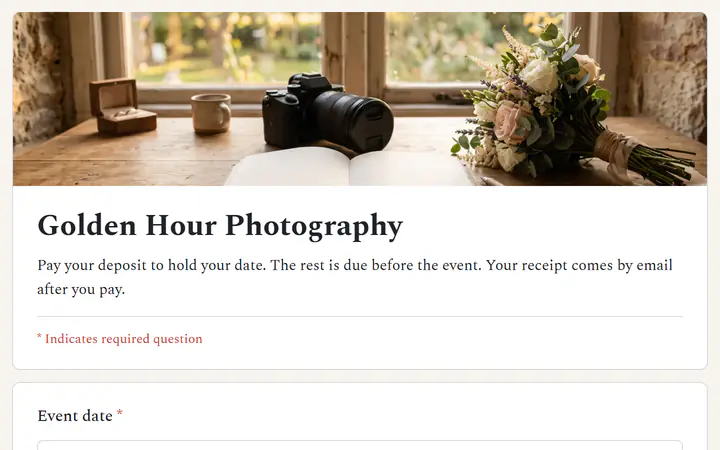
One set deposit
Choose A set amount and every client pays exactly that. Name the date in What it's for, such as Deposit to hold June 14. The client sees those words as the page title.
Deposit links, free
Send one link for a set deposit. The client pays with PayPal or a card, and the money goes to your own account. Payly takes no fees.
Start buildingSend the client a link or form that charges one set deposit. Say in writing which date it holds, whether it can be refunded, and when the rest is due. The client pays by card or PayPal and gets a receipt, and you mark the date as taken when the payment arrives. In Payly, a free payment link does this and pays you directly.
Choose A set amount and every client pays exactly that. Name the date in What it's for, such as Deposit to hold June 14. The client sees those words as the page title.
Set the link to Once. When the deposit is paid, the link switches itself off, and anyone who opens it later is told it has already been paid. Make one link for each date.
Send a second link for the rest. Pick The payer chooses if the balance can change, or a set amount paid once. Each payment shows under Payments with the client's email.
You make a link for the date. The client pays it. You send the balance link when it is due.
In Your sites, click New and choose Payment link. Type what it is for, such as Deposit to hold June 14. Choose A set amount and type the deposit.
Under Can be paid, pick Once. Switch on Ask for a phone number if you want to call the client to confirm details.
Click Copy link and send it in an email, a text or an invoice. Add your refund terms and when the balance is due. The client gets a receipt by email.
$0
Completely free - no paid plan, no transaction fees, no commission
PayPal and Stripe charge their standard processing fees, as they would on any platform.
How can this possibly be free?Start from one of these and change anything you like, or start from scratch.
Several pages: the event first, then a set deposit to hold the date.
No. A payment link asks for an email, and a phone and address if you switch them on. To ask for the event date, the type of event and where it is, start from the Reserve a date template in a payment form. It then takes a set deposit.
Yes. Each deposit appears under Payments, and Refund a payment shows how to refund one. Whether a deposit can be refunded is your call, so write your terms in the message that carries the link.
Make a second link. Choose The payer chooses if the balance can change, or a set amount paid once. The page shows the total, and the client pays with PayPal or a card. Each payment is added to your list.
Click the link's switch in the On column to turn it off. Anyone who opens the address then sees This payment link isn't active. Turn it on again if the date opens up. A link set to Once that was already paid stays off, so make a new one.
Yes. There is no monthly fee, no transaction fee and no paid tier. PayPal and Stripe charge their standard processing fees on each payment, as they would on any platform. How can this possibly be free?
Make any of these from the same dashboard and get paid through your own PayPal or Stripe account. Payly takes no fees from any of them.
Your link, your payment account, your customers. The only thing you pay is normal PayPal and Stripe processing fees.
Start buildingNo credit card · No paid tier · No trials