Your tax ID on every receipt
Every gift gets a donation receipt by email, monthly payments included. Add your tax ID and a thank-you note once, and they show on every receipt. A gift-only payment says no goods or services were provided.
Small nonprofits, free
Take one-time and monthly gifts for your nonprofit or community group. Gifts go to your own PayPal or Stripe account, and Payly never asks your donors for a tip.
Start buildingUse a donation form that sends each gift straight to a PayPal or Stripe account in your group's name, so no donation platform takes a cut. You still pay the processor's standard fee on each gift, or a nonprofit rate if you have one. Offer one-time and monthly gifts, and email every donor a receipt. Payly does this free.
Every gift gets a donation receipt by email, monthly payments included. Add your tax ID and a thank-you note once, and they show on every receipt. A gift-only payment says no goods or services were provided.
The Recurring screen lists each monthly and yearly gift with the donor, amount, status and next payment date. Pause or cancel a gift from there when a supporter asks.
Each donation form is a site of its own, with its own link and QR code. Run a general giving form, a monthly form and one for each campaign, all in one Payly account.
Pick a template, add your receipt details, then connect your payment account and publish.
In Your sites, click New and choose Donation form. General donation offers one-time or monthly gifts. Monthly supporter takes monthly gifts, with a page for the donor's details and an address for receipts.
Open the Settings tab and find the Donations card. Type your tax ID and a receipt note. Then use the Design tab for your logo, photo and colors, and replace the sample wording.
Connect PayPal, Stripe or both, and try a test gift in test mode. Turn it off, then publish. Your form runs on your own free Cloudflare account. Share its link or print its QR code.
$0
Completely free - no paid plan, no transaction fees, no commission
PayPal and Stripe charge their standard processing fees, as they would on any platform.
How can this possibly be free?Start from one of these and change anything you like, or start from scratch.
Suggested amounts, one-time or monthly, with the option to cover the fees.
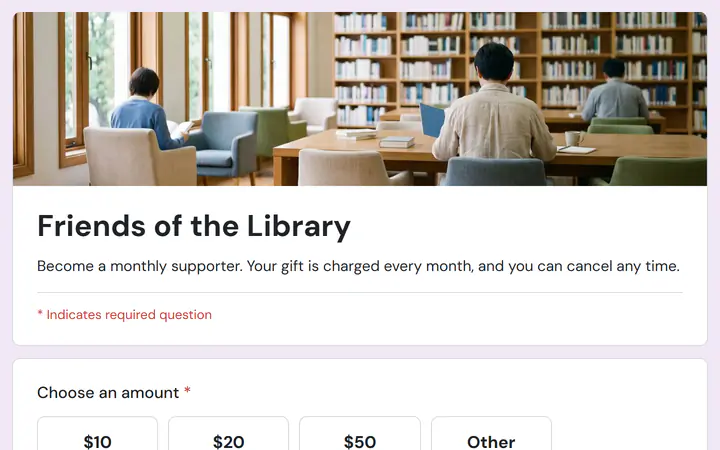
Several pages: a monthly gift, then your details and an address for receipts.
Yes. When you switch on the cover-the-fee box, Payly fills in the standard rate for your country. If your own rate is different, type it over the filled-in numbers. The percentage can be at most 10%.
No. Payly does not send year-end tax summaries. Each gift gets its own receipt by email, and you can download your gifts as a table in CSV format.
A donor can reply to a receipt email. The reply goes to the email address on your Payly account, and you can cancel the gift for them. You cannot change the amount of a gift that has started: cancel it and ask the donor to give again.
Not inside the page. A donation form is a page of its own with its own address. Link to it from your website or newsletter, or print its QR code. Placing a form inside another website is not supported.
Yes. There is no monthly fee, no transaction fee and no paid tier. PayPal and Stripe charge their standard processing fees on each payment, as they would on any platform. How can this possibly be free?
Make any of these from the same dashboard and get paid through your own PayPal or Stripe account. Payly takes no fees from any of them.
Your form, your payment account, your donors. The only thing you pay is normal PayPal and Stripe processing fees.
Start buildingNo credit card · No paid tier · No trials