Quantities and capacity
Give each ticket type its own quantity, and set a capacity for all types together.
Ticket limits, free
Set how many tickets of each type there are, cap the whole event, and choose when each ticket goes on sale. Tickets show Sold out when a limit is reached.
Official PayPal & Stripe partner · Over 70,000 eCommerce sites powered by our company software · Building since 2014
Give each ticket type its own quantity, and set a capacity for all types together.
Choose how many tickets one buyer can get in one order, up to 100.
Each ticket type can go on sale and stop on its own dates, so an early bird price ends by itself.
You set the limits once. Sales stop by themselves.
In your event's form, add ticket types with a name and a price.
Fill in Quantity available, Event capacity and Most per order. Leave one blank for no limit.
Click Set sale dates on a ticket type to choose when it goes on sale and when it stops.
$0
Completely free - no paid plan, no transaction fees, no commission
PayPal and Stripe charge their standard processing fees, as they would on any platform.
Start from one of these and change anything you like, or start from scratch.
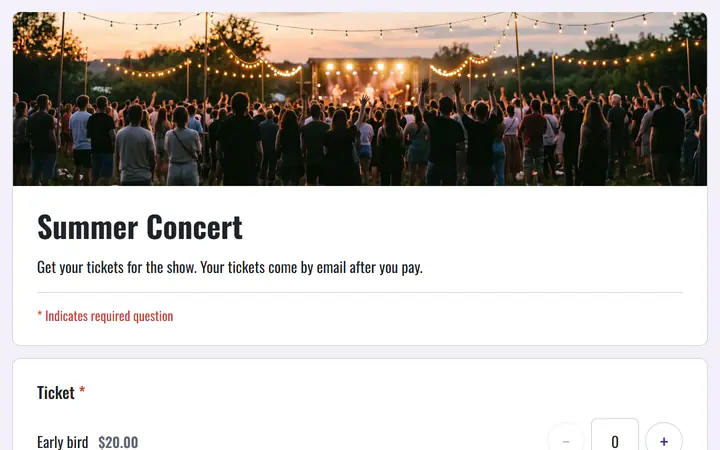
Several pages: early bird, general admission and VIP, then a tour T-shirt in your size.
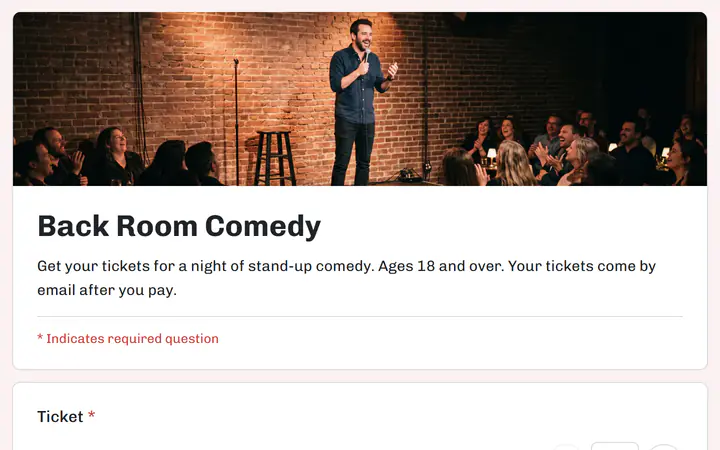
General admission and front-row seats, with a limit for the room.
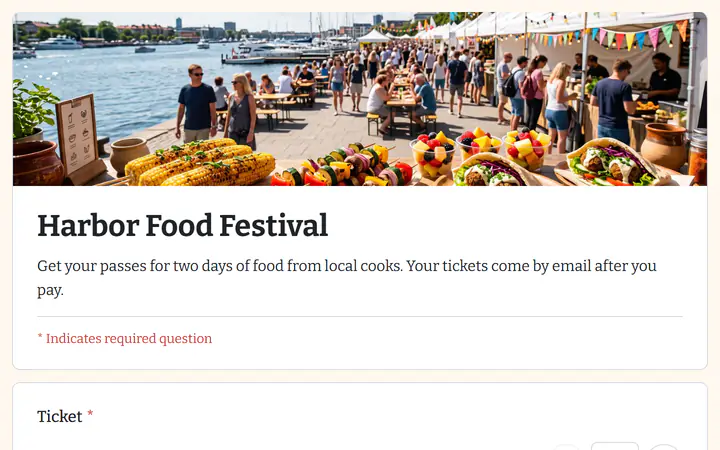
Day and weekend passes, with tasting tokens to add.
A sold-out ticket shows Sold out and can no longer be picked. Before its sale date it shows when it goes on sale, and after it, that sales have ended.
Yes. A full refund puts that order's tickets back on sale. A partial refund keeps them.
Limits are per ticket type and for the whole event. A limit on another question, such as seats in one session, is not supported.
Your event, your payment account, your guests. The only thing you pay is normal PayPal and Stripe processing fees.
Start buildingNo credit card · No paid tier · No trials