Scan or type
Use your device's camera, a USB scanner, or type the code printed under the QR code.
QR check-in, free
Every ticket has its own QR code. At the door, scan it with a camera or a USB scanner, or type the code, and see at once if it is good.
Official PayPal & Stripe partner · Over 70,000 eCommerce sites powered by our company software · Building since 2014
Use your device's camera, a USB scanner, or type the code printed under the QR code.
A used ticket shows when it was checked in, and several people can scan at once without letting the same ticket in twice.
Find a guest by name, email or code, check them in from the list, resend their tickets or download the list as CSV.
Guests bring their QR codes. You scan them at the door.
Guests get a QR code for each ticket by email, or on the page for a free ticket.
In your event's dashboard, open Check in on a phone, tablet or computer.
Each scan says Checked in, Already checked in, or that the ticket was refunded.
$0
Completely free - no paid plan, no transaction fees, no commission
PayPal and Stripe charge their standard processing fees, as they would on any platform.
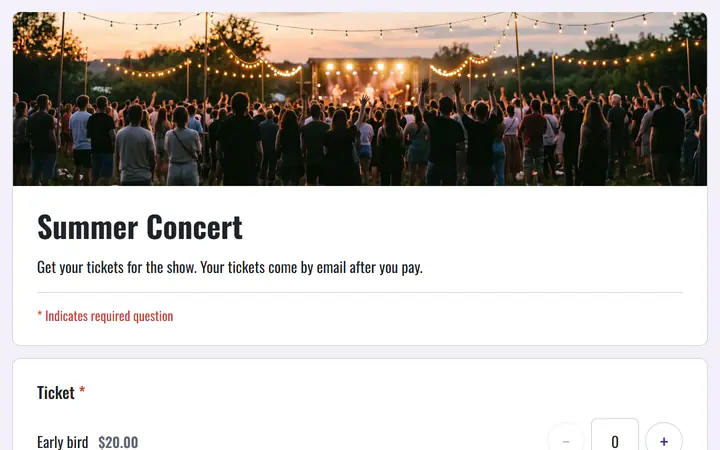
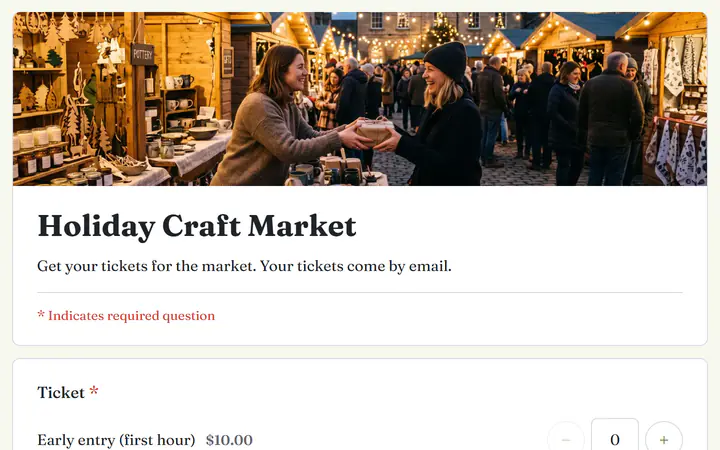
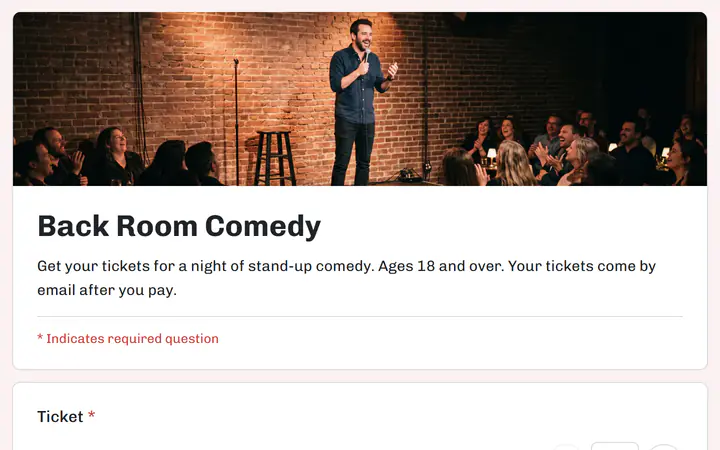
Start from one of these and change anything you like, or start from scratch.
Several pages: early bird, general admission and VIP, then a tour T-shirt in your size.
Early entry, general entry and free tickets for kids.
General admission and front-row seats, with a limit for the room.
No. Check in opens in your browser and uses your device's camera.
The owner, admins and editors. Viewers can see the guest list and how many have checked in.
No. Check in needs an internet connection.
Yes. There is no monthly fee, no transaction fee and no paid tier. PayPal and Stripe charge their standard processing fees on each payment, as they would on any platform. How can this possibly be free?
Your event, your payment account, your guests. The only thing you pay is normal PayPal and Stripe processing fees.
Start buildingNo credit card · No paid tier · No trials